
Read with source context
Keep PDFs, metadata review, highlights, source-linked notes, tags and project notes together.
Read research PDFs, collect notes and keep each quotation close to its source.
Free
Windows 10 1809+ or Windows 11 · x64
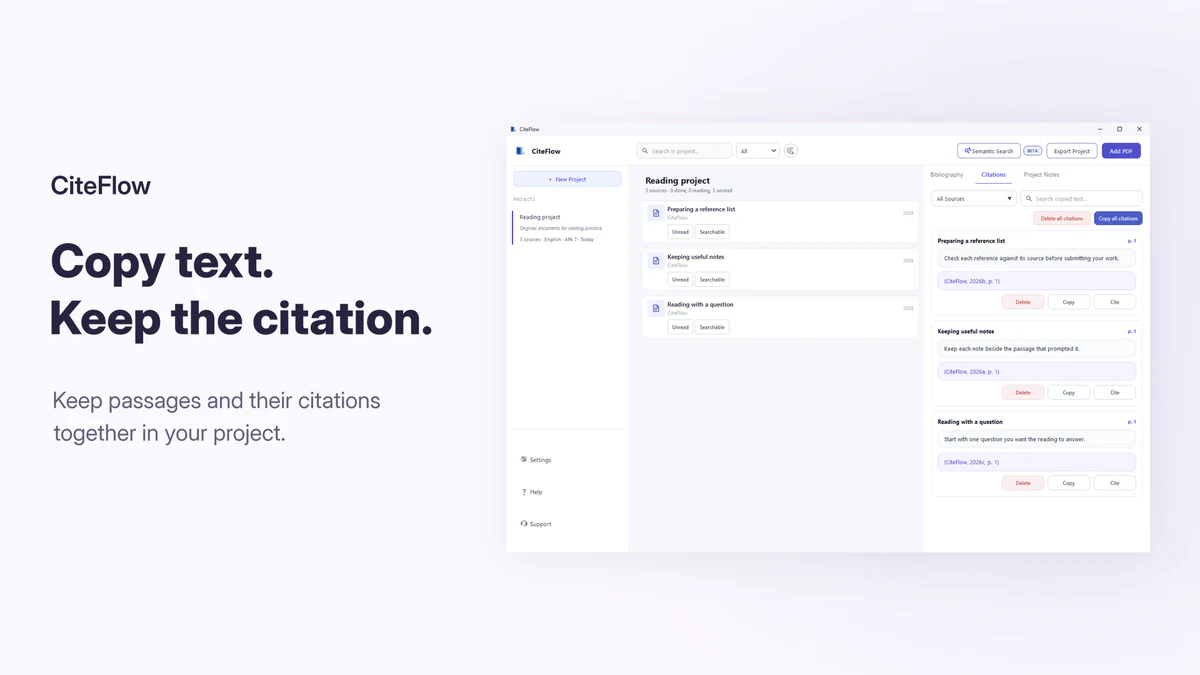
Keep PDFs, metadata review, highlights, source-linked notes, tags and project notes together.
Read sources side by side, keep page-linked notes and review copied passages in Citation History. Reopen the PDF from your library to check the original page.
Use exact search without a model or install E5 or BGE-M3 for optional local semantic suggestions.
Use one non-sensitive practice PDF. Review the network disclosure first: source preparation and title translation can make automatic online requests.
Expected result: a saved note that returns to the page supporting it. If the source details or page are wrong, correct them before using the note or creating a citation.
Follow the research organization guide for more sources, tags, search and checked exports.
Select an image for a closer look.
 CiteFlow
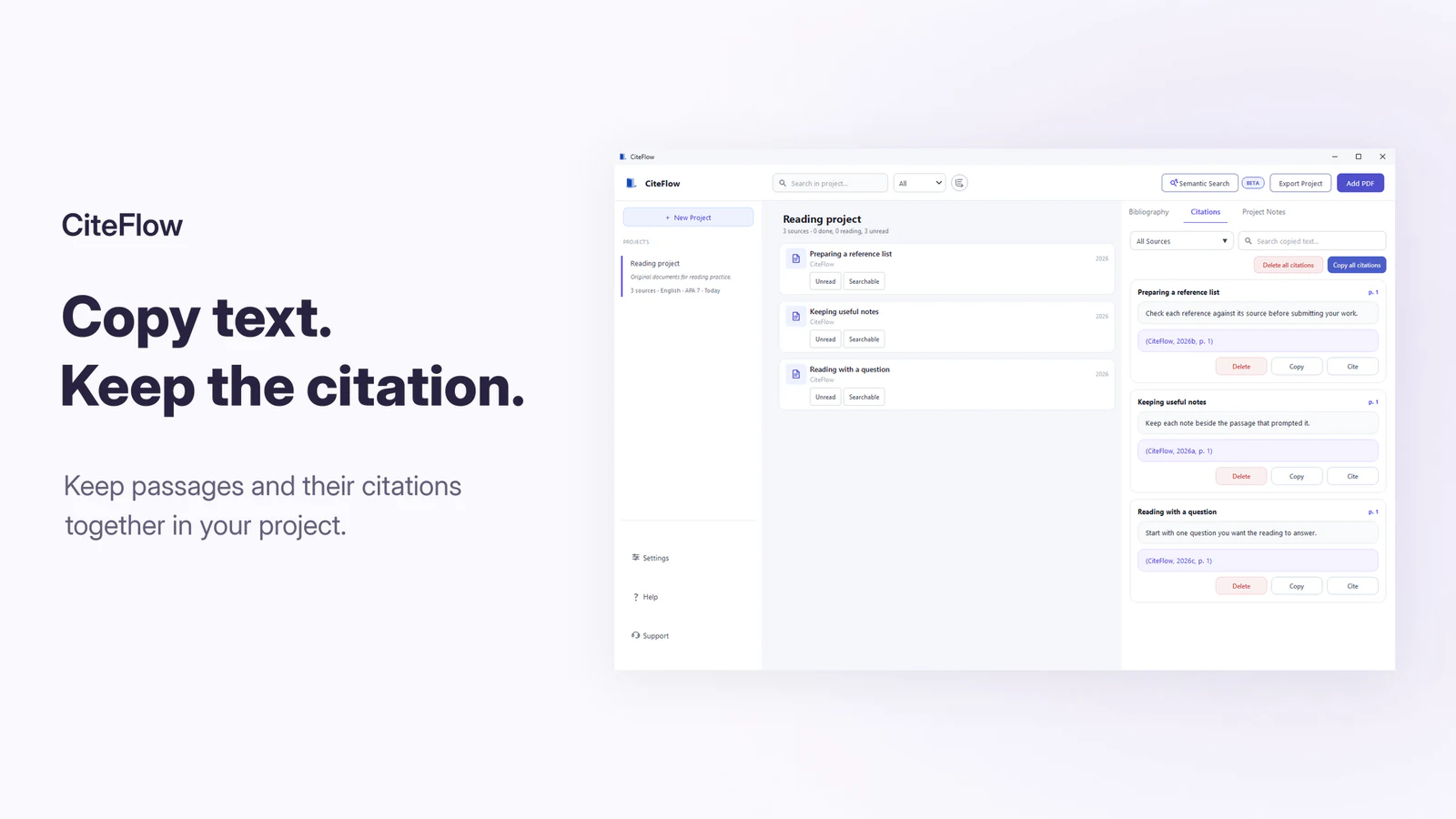
Read research PDFs, collect notes and keep each quotation close to its source.
Free
Version 1.2.1
095ce09e409aee50f87b7b71a3f8d837ef15d1bce9ba1bf10395eb8294002ee5 A matching checksum confirms the file matches this release record. It does not prove that software is safe or digitally signed.
Choose exact search for known terms, optional semantic search for related wording and OCR for image-only pages. Reopen the source before relying on any result.
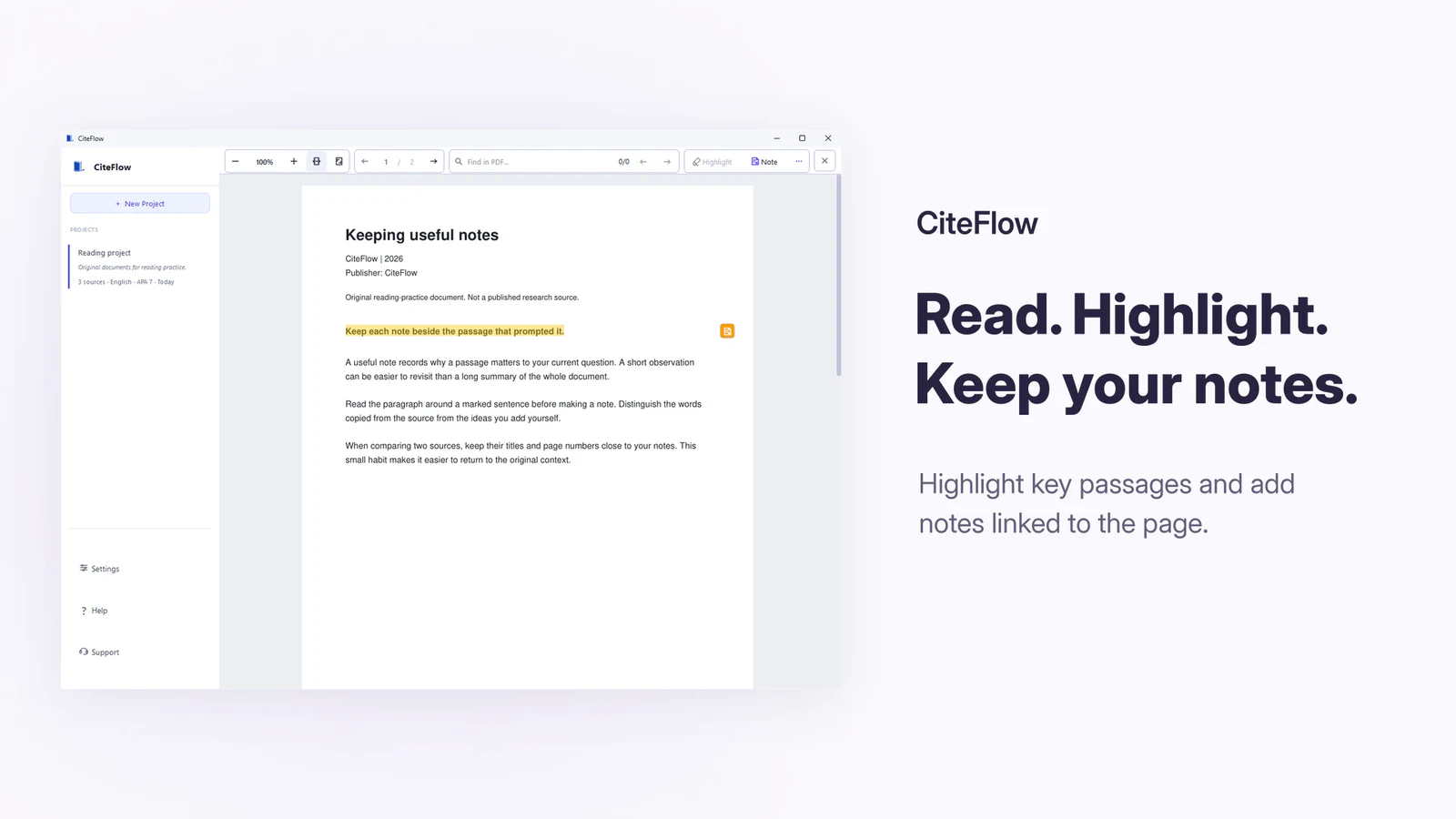
Keep PDFs, metadata review, highlights, source-linked notes, tags and project notes together.
Read two sources side by side. Citation-aware copy saves passages and citation context in Citation History. Reopen the PDF from the project library to check the original page.
Use exact search without a model or install E5 or BGE-M3 for optional local semantic suggestions.
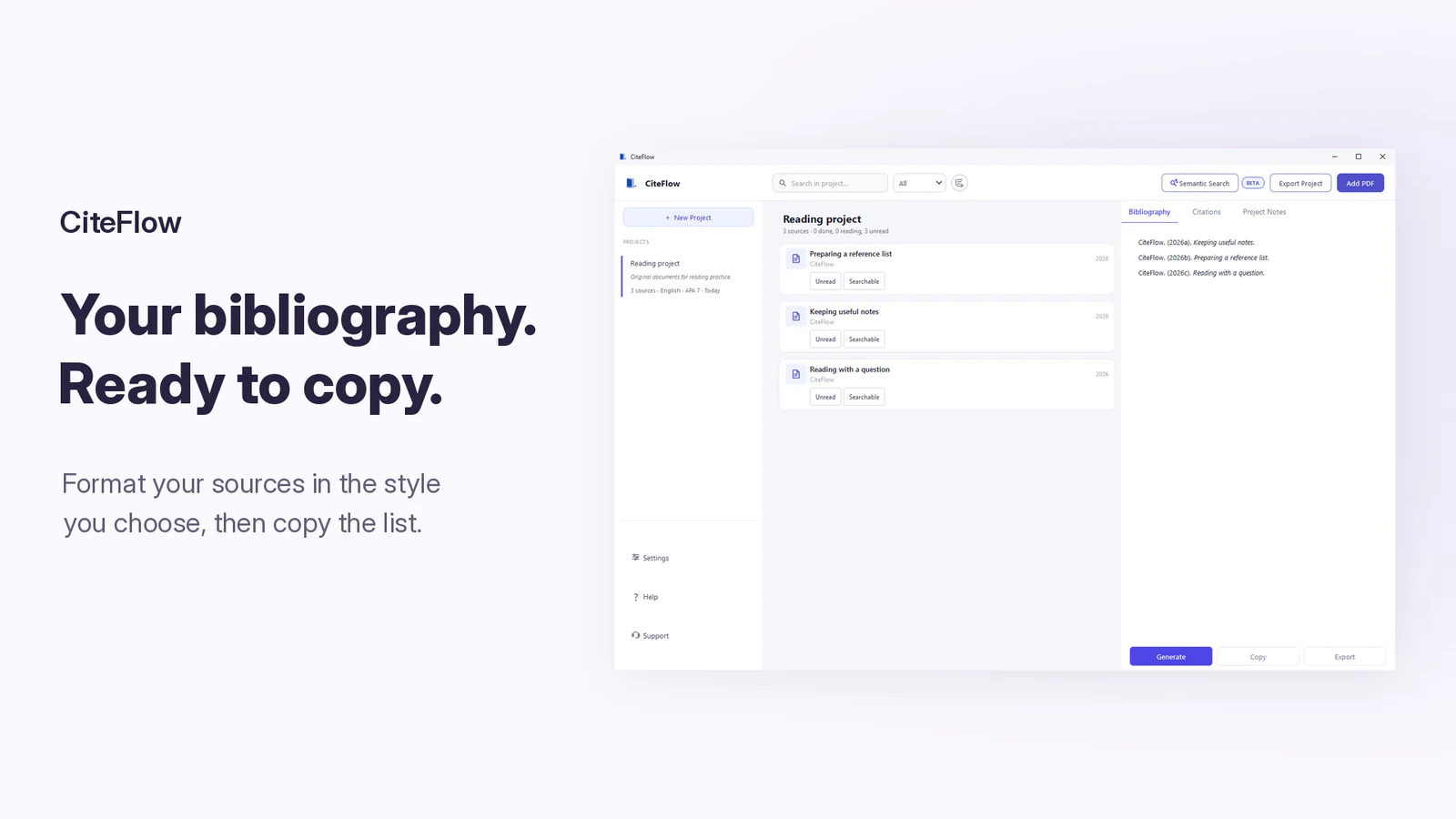
Run local OCR, then create APA 7, MLA 9, Chicago 18, or IEEE citation drafts to check against the source.
Choose it when you already have research PDFs and want to read, compare, search, and organize their evidence in one local project.
Choose other services for shared cloud editing, database discovery, formal systematic-review screening, protocol reporting or a full writing editor.
Scroll the table horizontally on a narrow screen.
| What you need | Start with | What to check |
|---|---|---|
| Known word, author or identifier | Exact search | PDF text layer or OCR output |
| Related ideas with different wording | Multilingual E5 Large INT8 | About 557 MiB and 8 GB RAM recommended |
| Larger semantic model | BGE-M3 Full Precision | About 2.13 GiB and 16 GB RAM recommended |
| Scanned or image-only PDF | OCR, then exact or semantic search | Selected OCR language; names, numbers and quotations checked against the page image |
Review source details together, follow optional OCR in the workspace and keep bibliography work more reliably.
Use a documented discovery method, then add the PDFs that belong in the local project.
Keep a note or copied passage connected to the source page and compare sources when needed.
Use exact, semantic or OCR-assisted search, then reopen the page before using the evidence.
See the portfolio-level explanation in Network & data.
Windows 10 version 1809 (build 17763) or later, or Windows 11; x64 architecture; model-specific memory requirements apply
PDF files stay on the PC for reading, notes, search and installed OCR. Source preparation can start automatically on import or when a project opens; it can send a DOI or title to metadata registries and request matching publisher records. Title translation can also run automatically through MyMemory, then Google if needed. Manual entry alone does not prevent these requests. Update checks and the supporter-list request are separate network actions.
No. Exact search works without E5 or BGE-M3 and depends on the PDF text layer or OCR output.
No. Semantic Search is beta. It can miss relevant passages or return irrelevant results, and similarity is not proof of a claim.
E5 Large INT8 is about 557 MiB with 8 GB RAM recommended. BGE-M3 Full Precision is about 2.13 GiB with 16 GB RAM recommended.
Yes. The optional managed OCR component supports eight text languages plus script detection, but names, numbers, tables and citations must be checked against the page image.
The app supports APA 7, MLA 9, Chicago 18 author-date, Chicago 18 notes-and-bibliography and IEEE drafts.
No. It supports local evidence organization after collection and does not replace database searching, protocol registration, formal screening, deduplication or critical appraisal.