
Convert images and documents
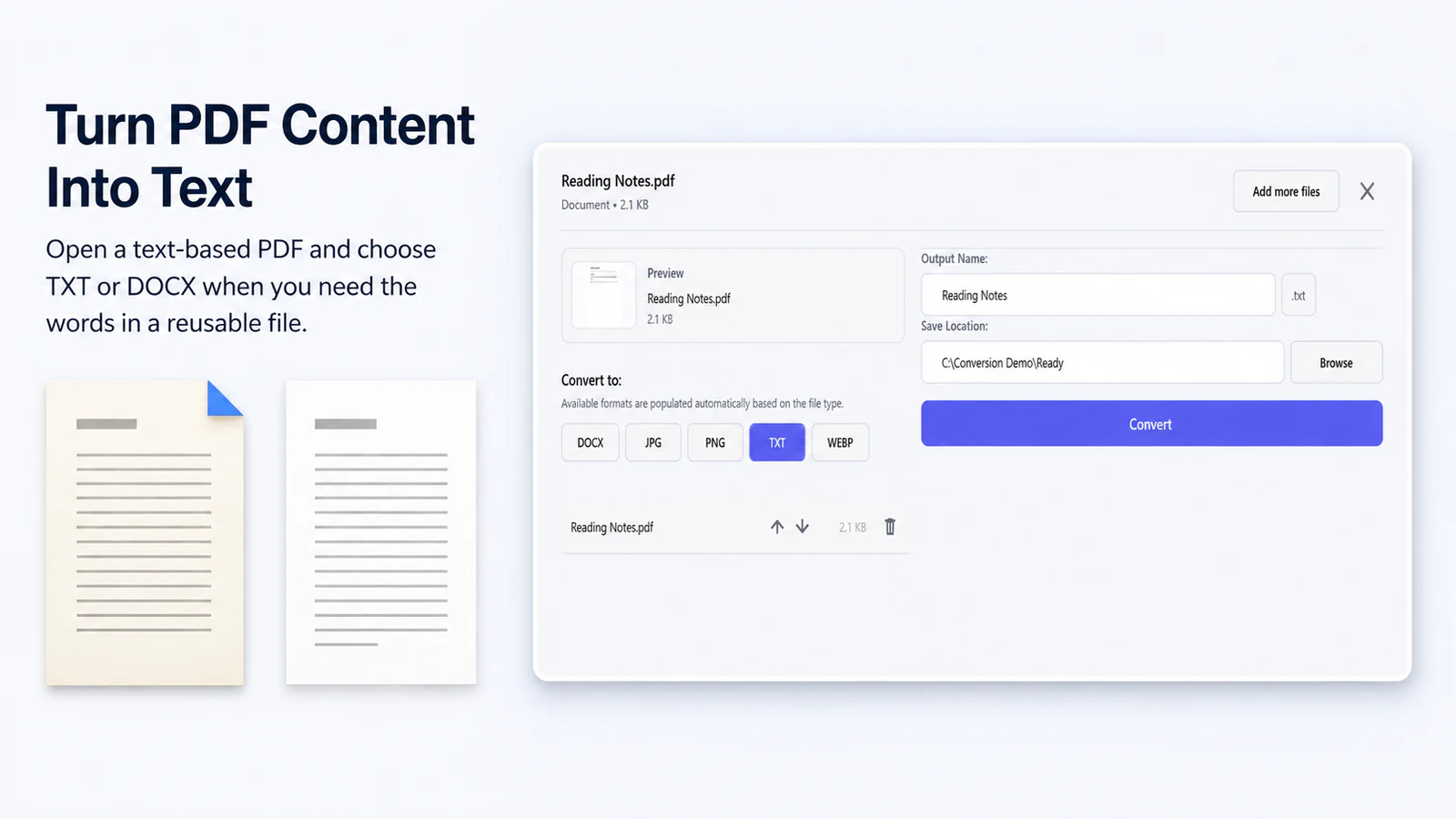
Resize and reformat supported images, export every XLSX sheet to CSV or a ZIP and create a text-based DOCX from a suitable PDF.
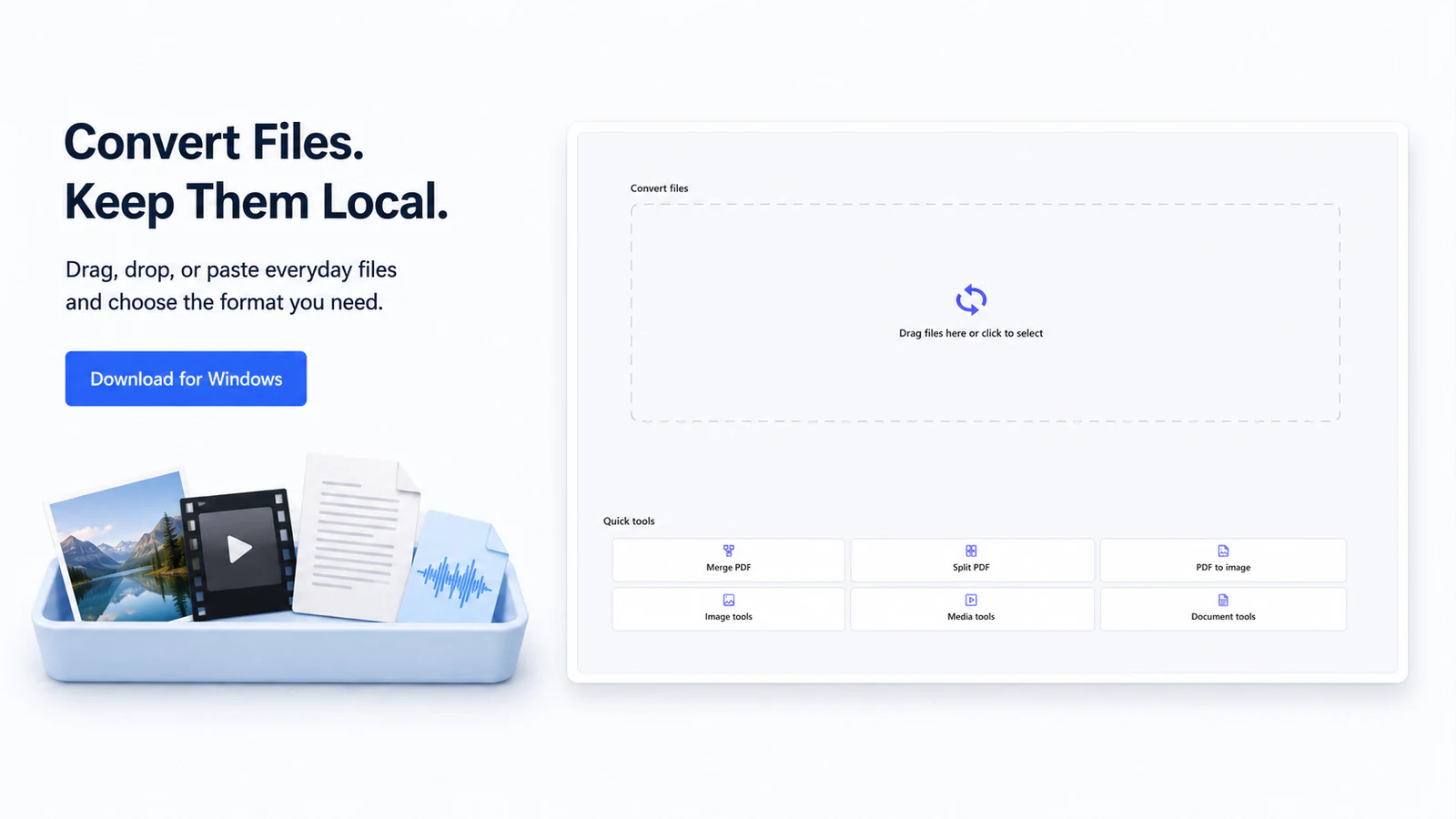
Convert images, video, audio and documents without uploading your files.
Free
Windows 10 2004+ or Windows 11 · x64
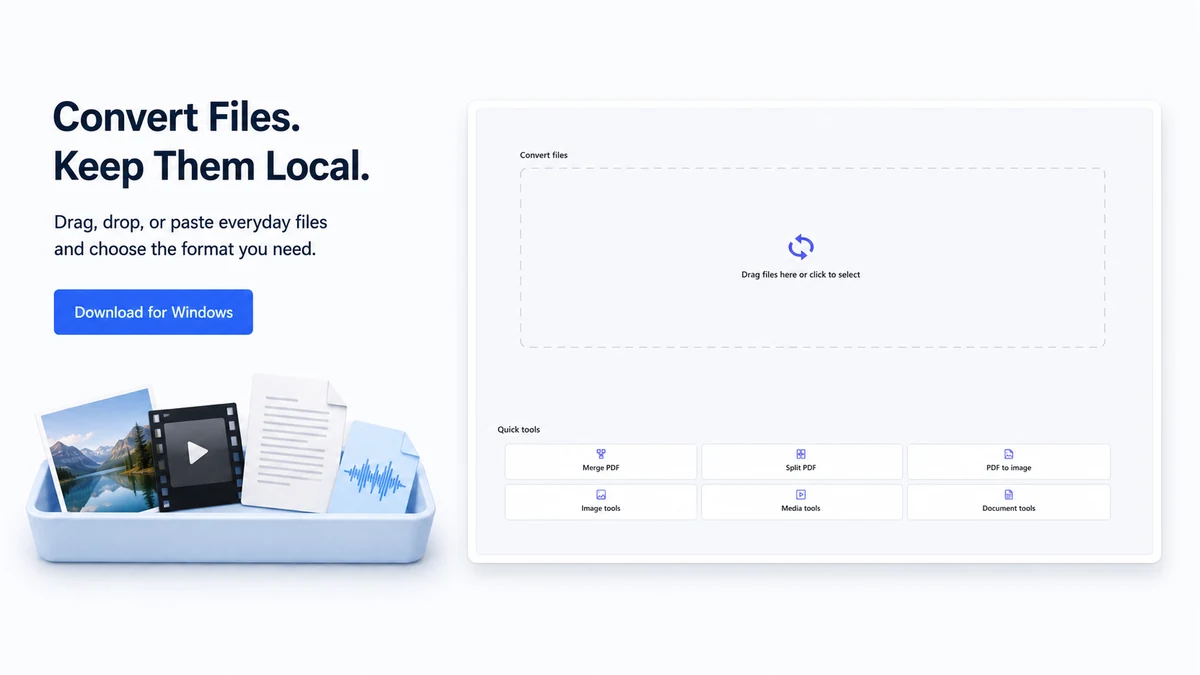
Review compatible inputs, operations, outputs, collisions, optional components and warnings before conversion.
Create results through a staged, atomic path and keep per-file failures visible for recovery.
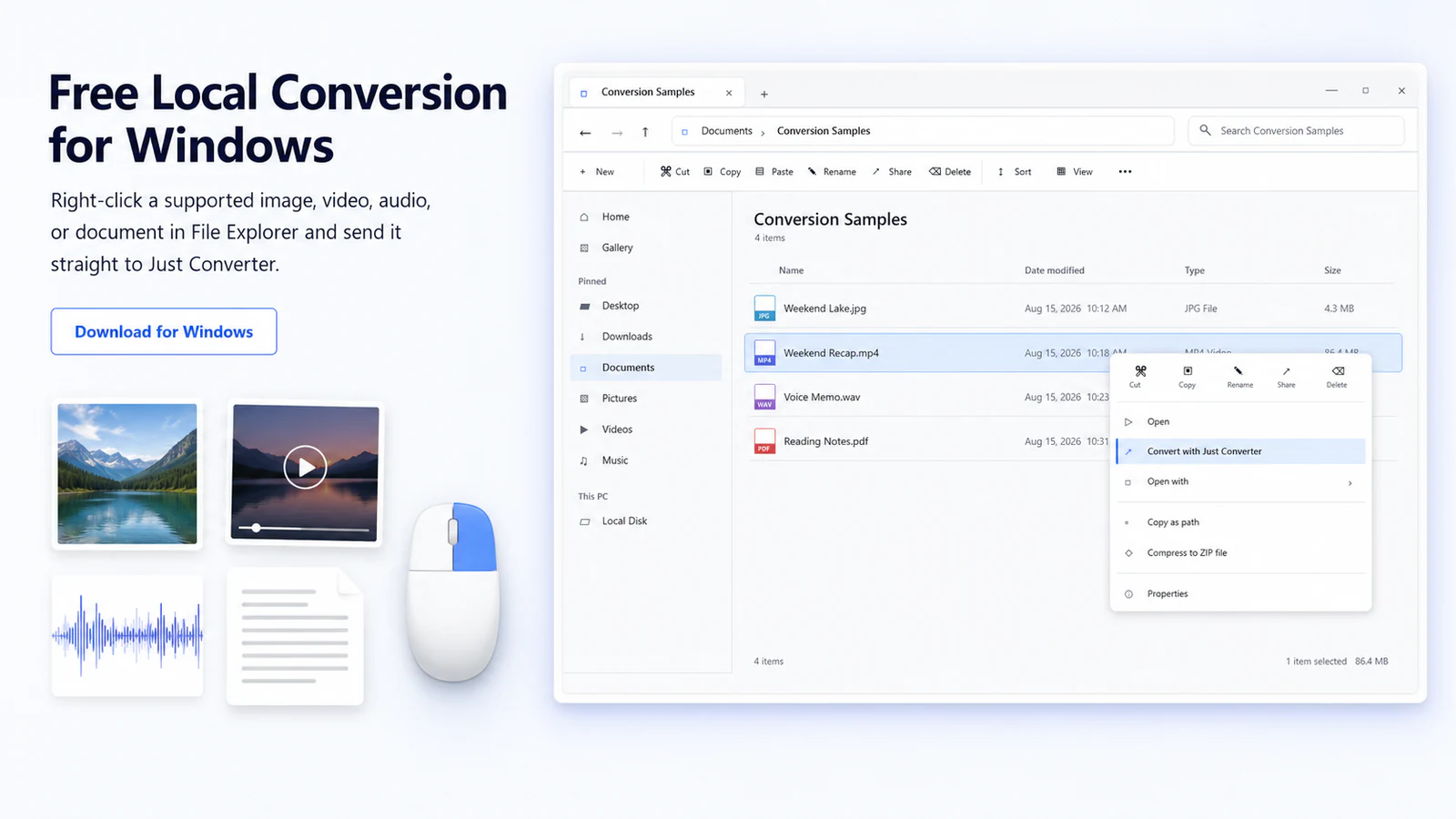
Save profiles and use Explorer commands for known local tasks.
Select an image for a closer look.
 Just Converter
Convert images, video, audio and documents without uploading your files.
Free
Version 1.2.2
03cee2f7ff2afec7efcaa503fe11282e7fa72fe5b9b686522f278f47f723fcff A matching checksum confirms the file matches this release record. It does not prove that software is safe or digitally signed.
Run the compatibility check, called preflight, for the selected file and settings. Keep the source and inspect one result before starting a batch.
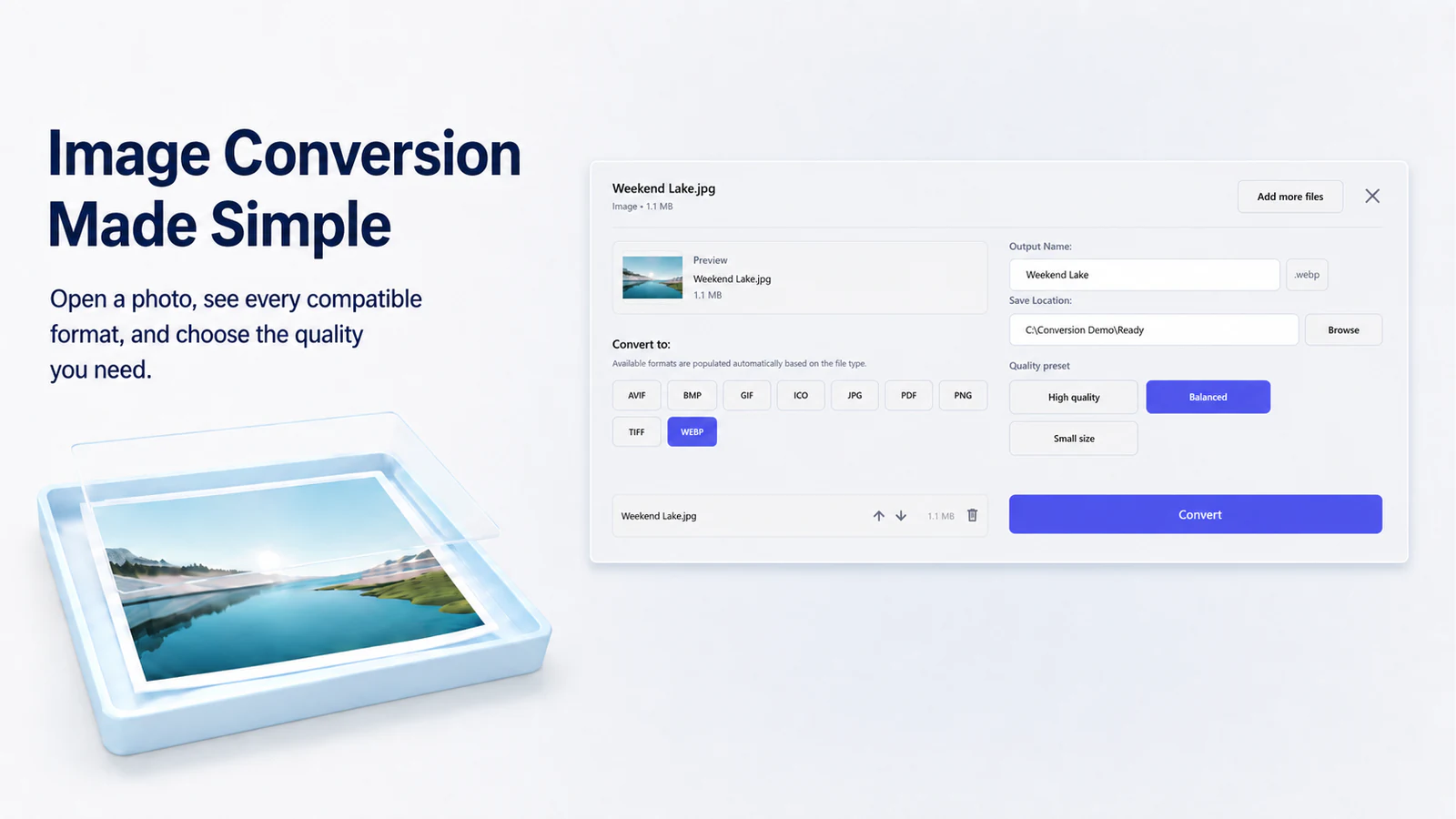
Resize and reformat supported images, export every XLSX sheet to CSV or a ZIP and create a text-based DOCX from a suitable PDF.
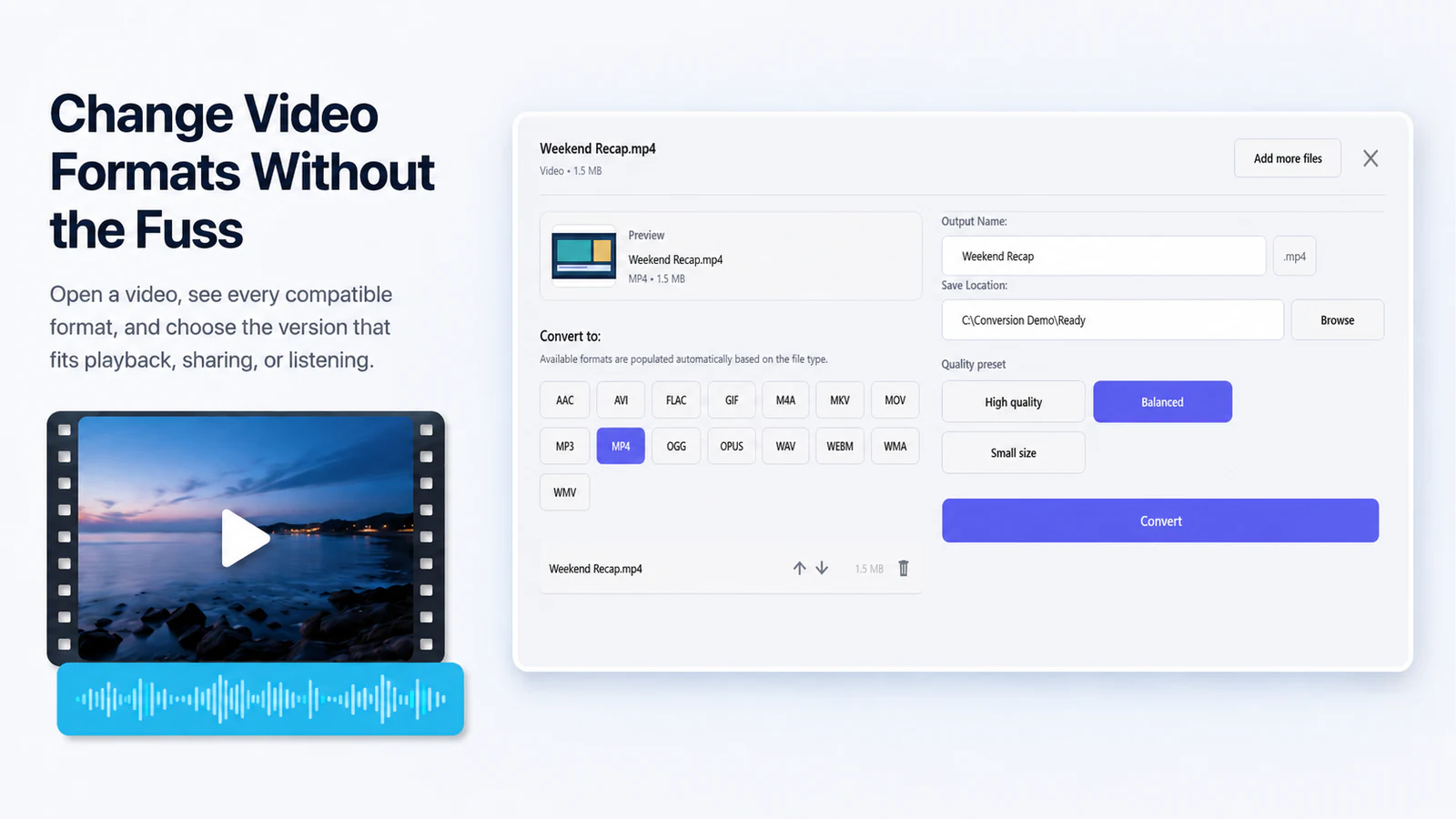
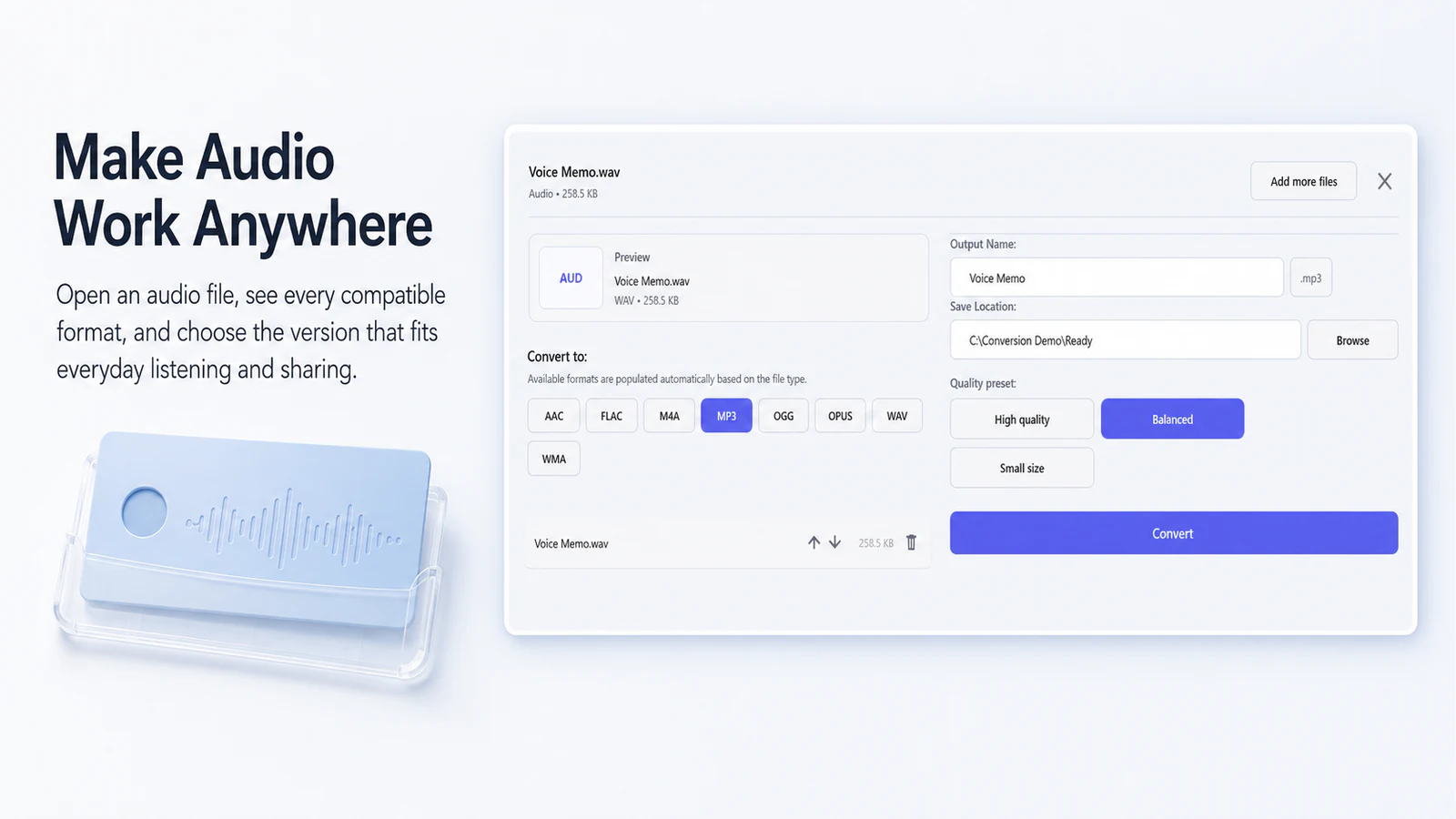
Choose tracks, trim media, set codec and quality controls, normalize loudness in two passes or make a cover-image video.
Merge, split, extract, reorder or rotate pages, render pages as images, or create a PDF from images. Image-created PDF/A output is limited to PDF/A-2b.
Reuse profiles, Explorer commands, watch folders, or the documented JSON command line after one sample result works as expected.
Choose it for supported files on your PC, reusable batch settings, and repeatable jobs with a clear result for every file.
Choose a specialist editor or another converter when the required format pair is absent, formulas must recalculate, complex document layout must be preserved exactly or a URL needs downloading.
Scroll the table horizontally on a narrow screen.
| Approach | Good fit | Important boundary |
|---|---|---|
| Browser converter | A small, non-sensitive one-off file | Requires upload and depends on the service |
| Built-in Windows app | One simple supported conversion | Limited batch and automation controls |
| Just Converter 1.2.2 | Local batches, profiles, watch folders, recovery and machine-readable JSON results | Only documented format and operation pairs |
| Specialist editor or command-line tool | Deep format-specific editing or custom processing | More setup and format expertise |
Screen readers now skip technical labels, hidden placeholders, and duplicate announcements that do not help you complete a task. Keyboard focus is easier to follow, including better alignment around the selection checkbox in file previews. French interface text has been revised, and the bundled tools are now FFmpeg 9.0.1, Pandoc 3.11, and qpdf 12.4.1. Donation and Microsoft Store review prompts stay hidden during the first ten successful conversions. The update also includes focused stability and accessibility refinements throughout the interface.
Product facts and standalone file verified August 31, 2026.
If a file or job crosses a boundary, divide the work or choose a specialist tool instead of bypassing the check.
Confirm the exact operation, destination, collision behavior and warning set.
Open the output in the app where you will use it, then check its content and quality.
Save a profile, watch rule or CLI command after the single result passes.
See the portfolio-level explanation in Network & data.
Windows 10 version 2004 (build 19041) or later, or Windows 11; x64 architecture
No. Support depends on the exact input, operation, build and machine. The displayed preflight result tells you whether that file is supported on that machine.
No. The compatibility check gives the answer for the current PC. If its installed decoder cannot read the selected HEIC file, preflight rejects that file before the batch starts.
No. It uses cached formula values. A formula without a cached value becomes an empty field with a warning.
An external LibreOffice installation is required for documented legacy DOC, XLS and PPT input workflows.
No. Watch rules run while the GUI is open and can reconcile missed eligible files after the app starts again.
No. It converts supported files already available on the PC and is not a media downloader.
No. Target-size conversion tries the allowed settings and reports when it cannot reach the requested size.
Review the saved per-file results, then resume unfinished work, retry failed files or restart the whole job. Successful output remains separate, so you do not need to guess which files finished.
No. Conversion runs on the PC. At startup, the app requests update metadata and refreshes the public supporter list when its 12-hour cache expires. Those requests contain no source-file content.