
Folder Rules
Sort, copy and rename files with rules you can preview and pause.
€2.99 one-time purchase
Windows 11 24H2 or later · x64
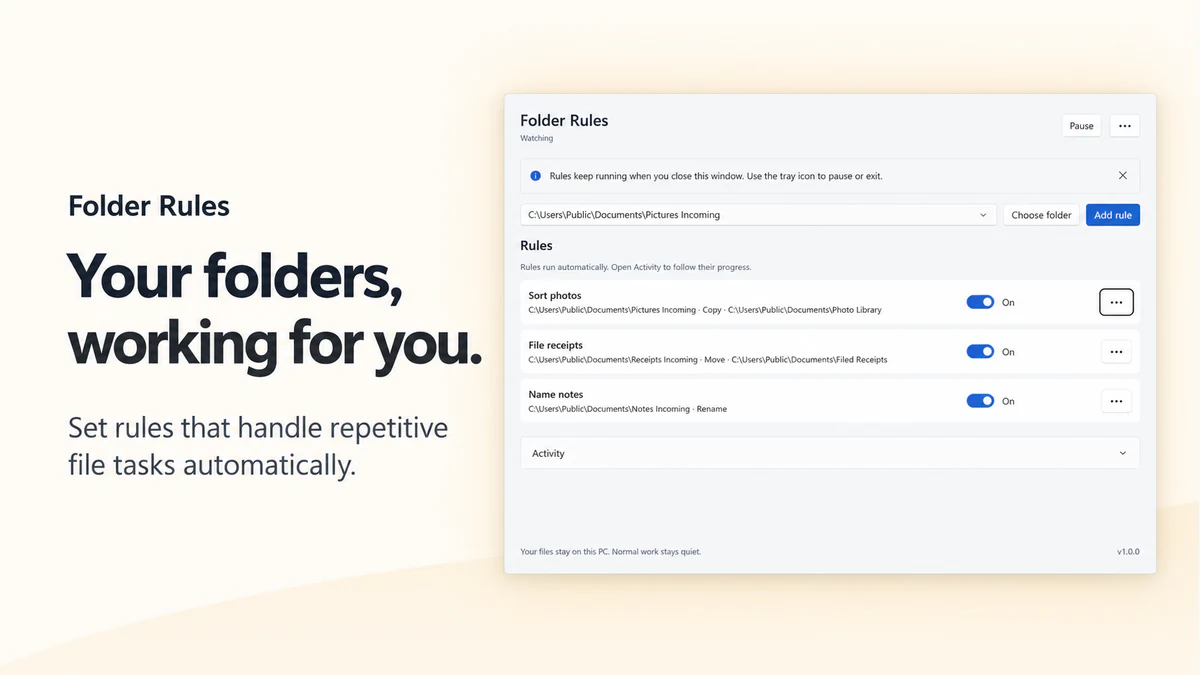
Match the files you mean
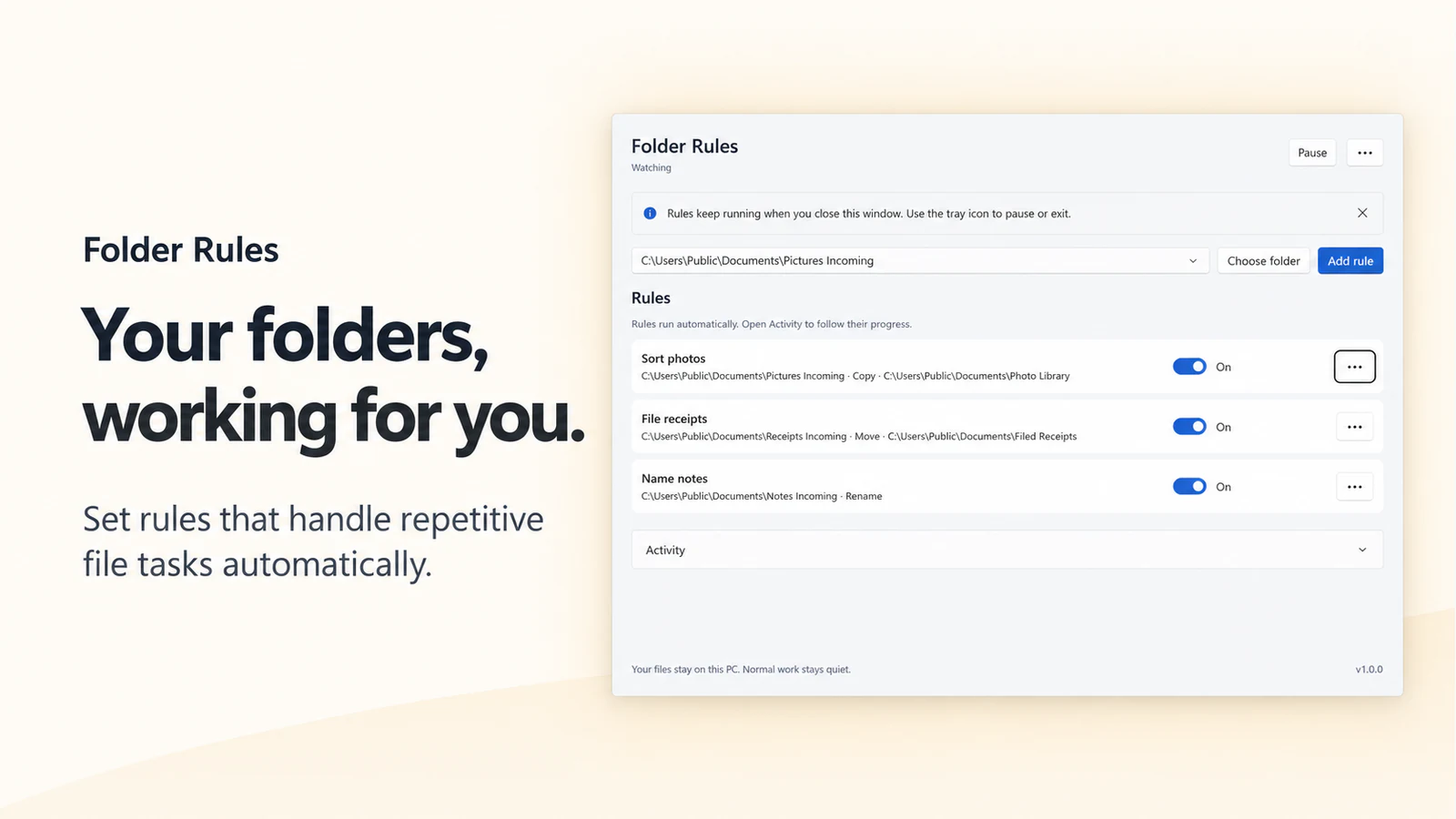
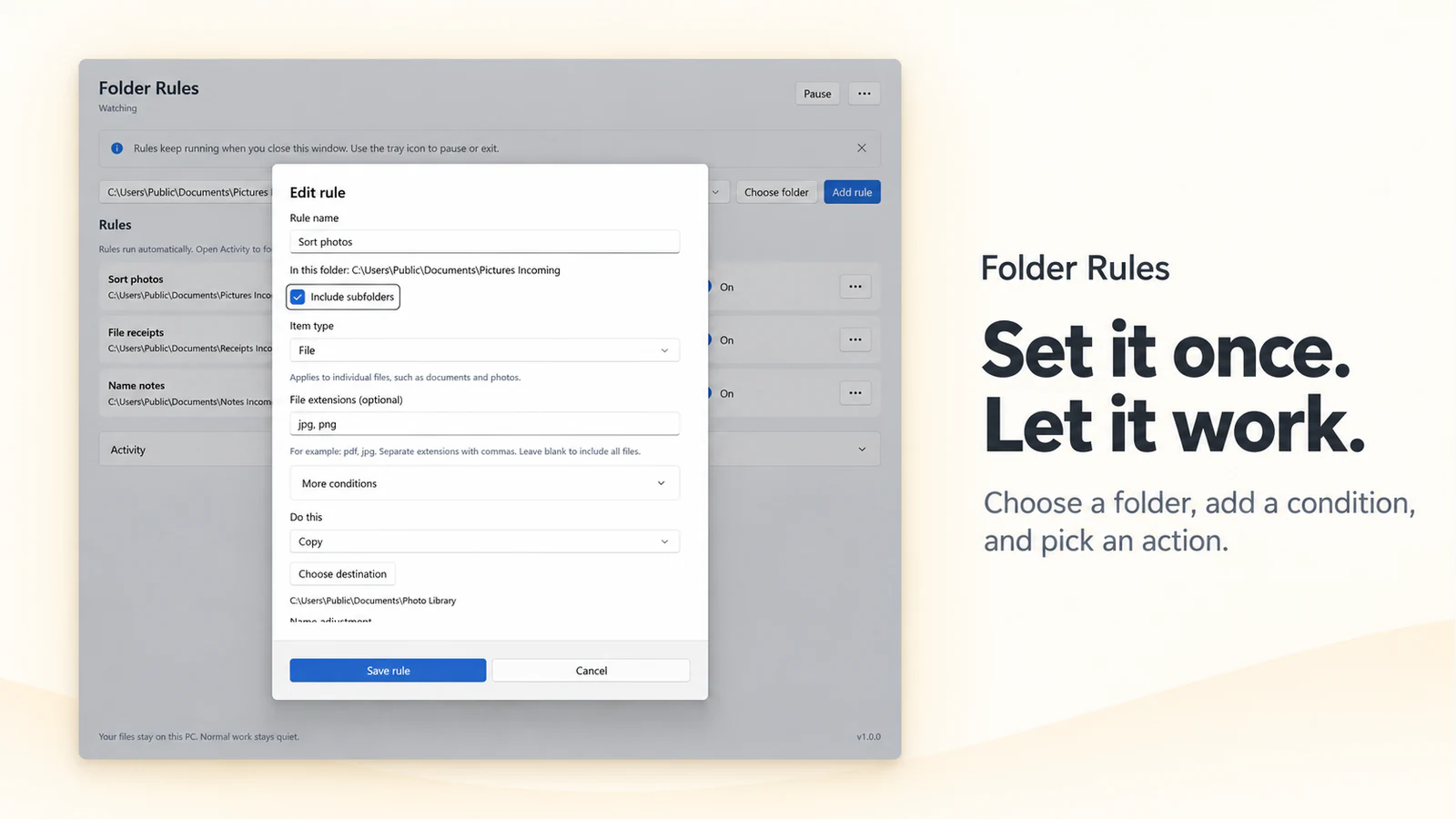
Set conditions for files, folders or both. Rules run in order, with the first matching rule deciding the action.
Choose the action
Use supported Move, Copy, Rename, archive extraction or explicitly enabled Recycle Bin actions.
Check and pause the work
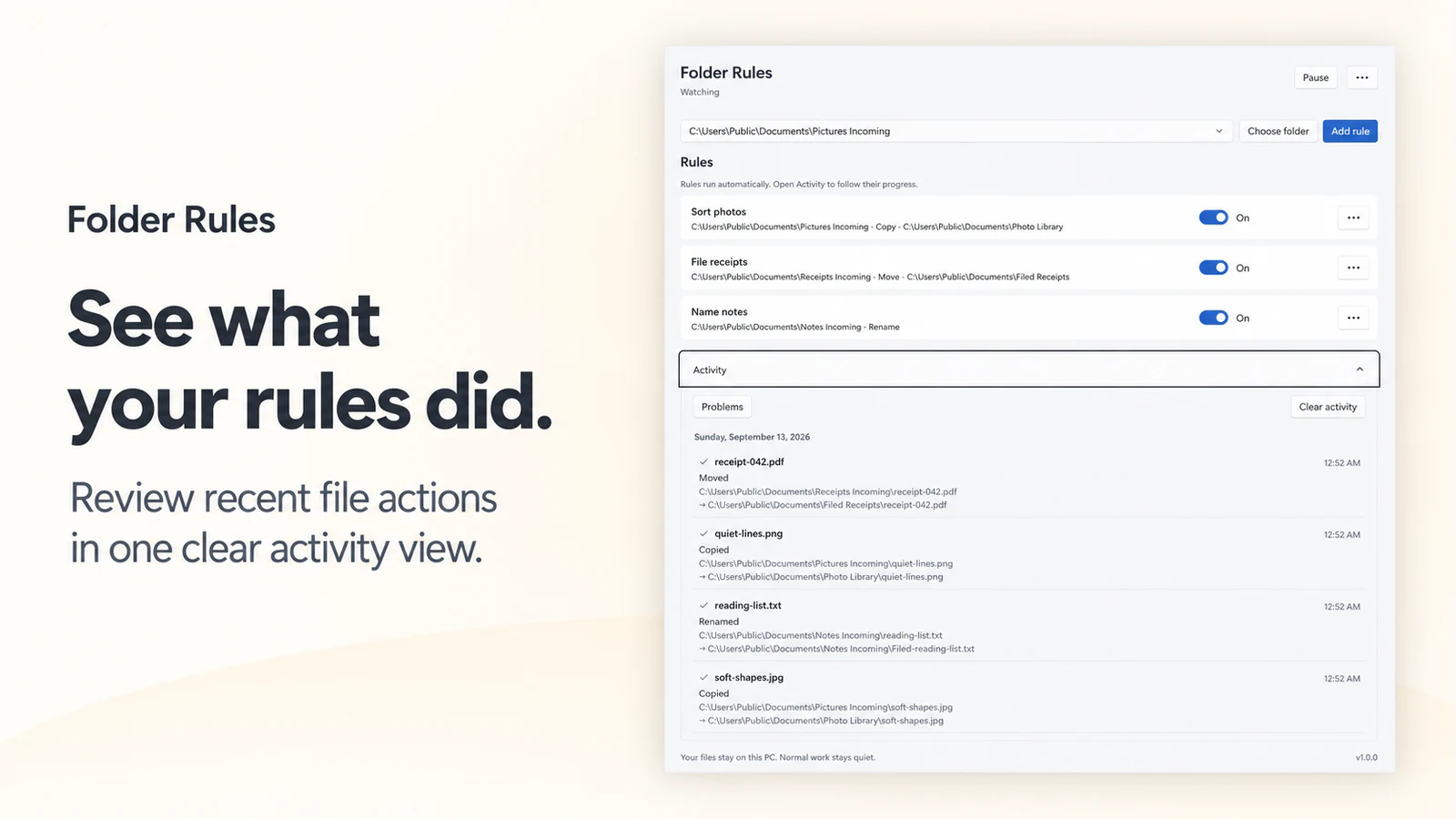
Preview the scope, review Activity and use Pause when you need to stop new work. Closing the main window does not exit the background engine.
Before you choose
- Saving or enabling a rule can apply it to matching items already in the selected folder, not just future arrivals.
- Move stays on the same actual volume. Choose Copy explicitly to send supported files to another local NTFS volume.
- Cloud/sync, network and removable locations are not supported watched folders. Test the first rule with sample files.
See Folder Rules
 Folder Rules
Sort, copy and rename files with rules you can preview and pause.
€2.99 one-time purchase Your Store region determines the final price.
Version 1.0.0
There is no standalone EXE for this app.
Your first rule
- Put a few expendable sample files in a supported local folder and select it.
- Create a rule with narrow conditions. Choose Copy for the first test and inspect Preview before saving.
- Save the rule, check Activity and open the output. Expand the scope only after the sample behaved as intended.
More about Folder Rules
Features and working limits
- Match the files you mean: Set conditions for files, folders or both. Rules run in order, with the first matching rule deciding the action.
- Choose the action: Use supported Move, Copy, Rename, archive extraction or explicitly enabled Recycle Bin actions.
- Check and pause the work: Preview the scope, review Activity and use Pause when you need to stop new work. Closing the main window does not exit the background engine.
- Saving or enabling a rule can apply it to matching items already in the selected folder, not just future arrivals.
- Move stays on the same actual volume. Choose Copy explicitly to send supported files to another local NTFS volume.
- Cloud/sync, network and removable locations are not supported watched folders. Test the first rule with sample files.
Local data and network use
- Rules, watched folders and activity records are stored on the PC.
- File processing and supported archive extraction run locally.
- Recycle actions require explicit selection. They are not a permanent-delete fallback.
- Clear activity and Reset do not authorize deletion of user files or unresolved recovery data.
- Microsoft Store services check entitlement and updates.
- Support and Store actions open their named external services. Rule processing does not send file contents to a cloud organizer.
System requirements
Windows 11 version 24H2 (build 26100) or later; x64; supported fixed local NTFS folders outside cloud, network and removable locations.