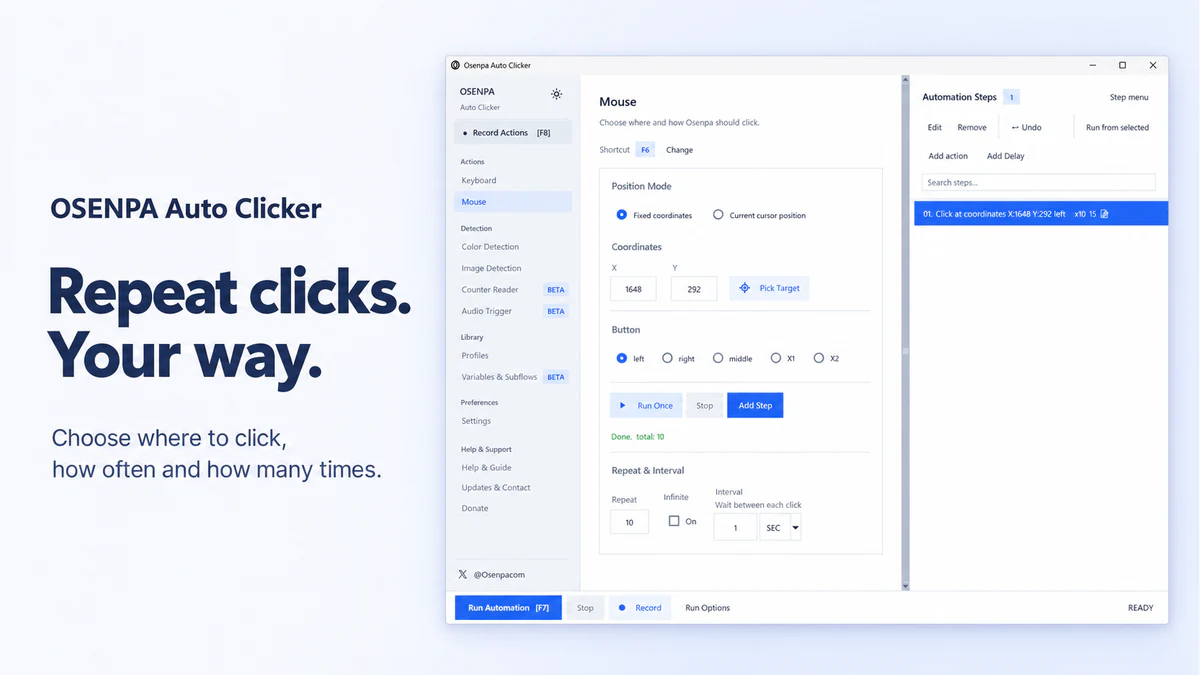





Osenpa Auto Clicker
Create supervised Windows automations with editable mouse and keyboard steps, screen checks, schedules, and local number or sound triggers.
Free. Current version: 2.0.2.
Product facts and requirements · Current product visual
Find official logos, current product visuals and the facts behind each app. Contact Osenpa for clarification or a correction.
Find published articles, reviews and videos in Osenpa in the Press.
Osenpa is an independent publisher of focused Windows apps for automation, clipboard history, conversion, PDF work, research, disk analysis and local file management. Six apps are free. File Timeline, Folder Rules, Safe Merge, Clean Metadata and Make Smaller are one-time Microsoft Store purchases, with no subscription.
Prices shown here are the published EUR reference prices. The Store shows the final price for the buyer's region. Refer to the fact sheet and current releases rather than copying a version from a screenshot.
Include your publication, the app and the question. Review materials do not imply a promised review, endorsement or independent verification.
Choose the supplied mark for the background. Do not recolor it or imply endorsement.
Original SVG logos are available for all 11 apps. The six free apps retain their existing PNG and monochrome exports; dark-surface variants appear only where supplied.
Create supervised Windows automations with editable mouse and keyboard steps, screen checks, schedules, and local number or sound triggers.
Free. Current version: 2.0.2.
Product facts and requirements · Current product visual

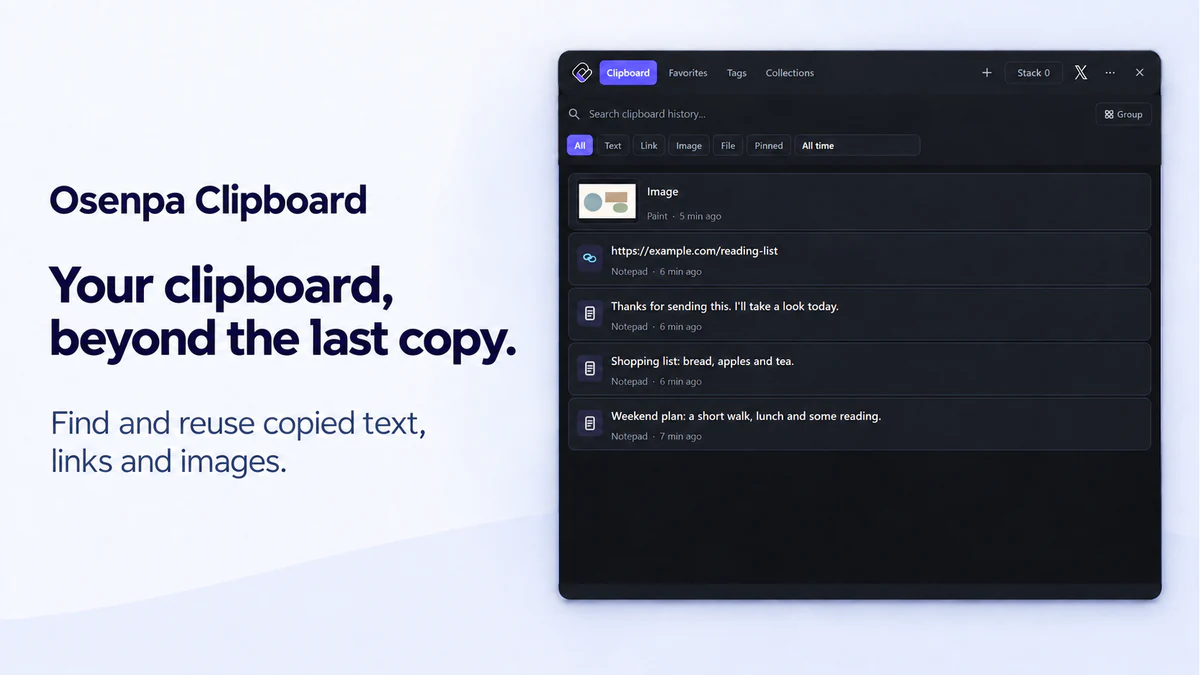
Search clipboard history stored on your PC, organize items for reuse, paste them in order, and keep selected text in encrypted Locked Notes.
Free. Current version: 2.0.2.
Product facts and requirements · Current product visual

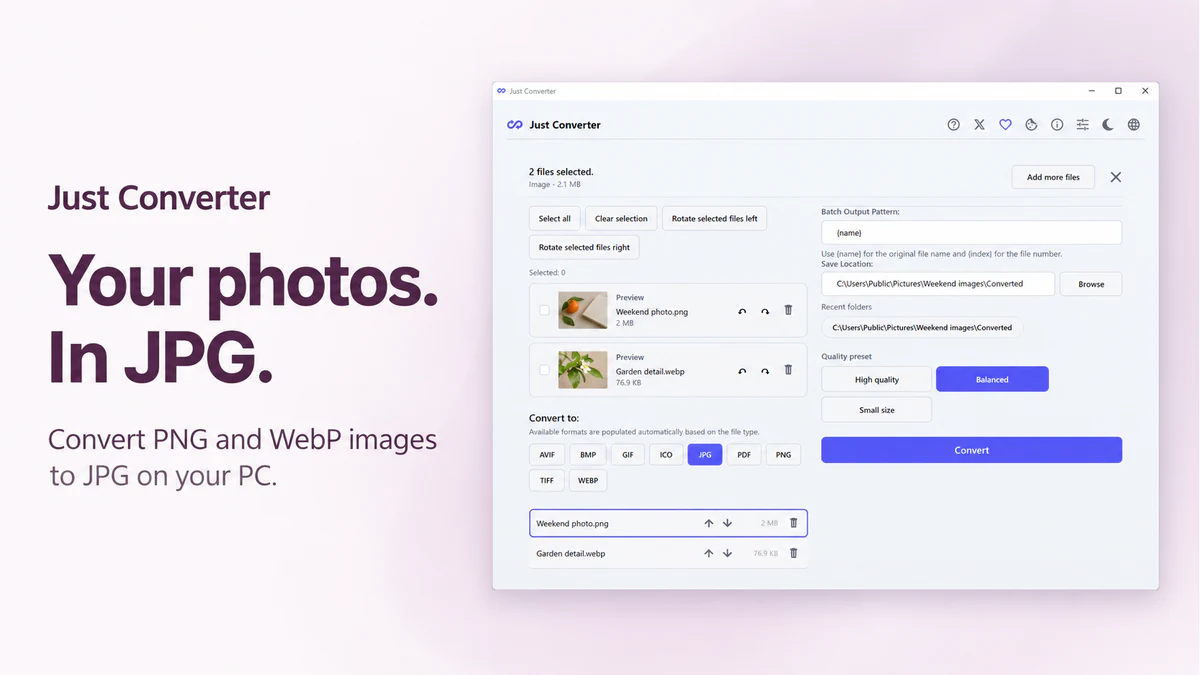
Convert supported images, media, documents, and PDFs on your PC. Check compatibility first, save completed output safely, and retry only the files that fail.
Free. Current version: 1.2.3.
Product facts and requirements · Current product visual
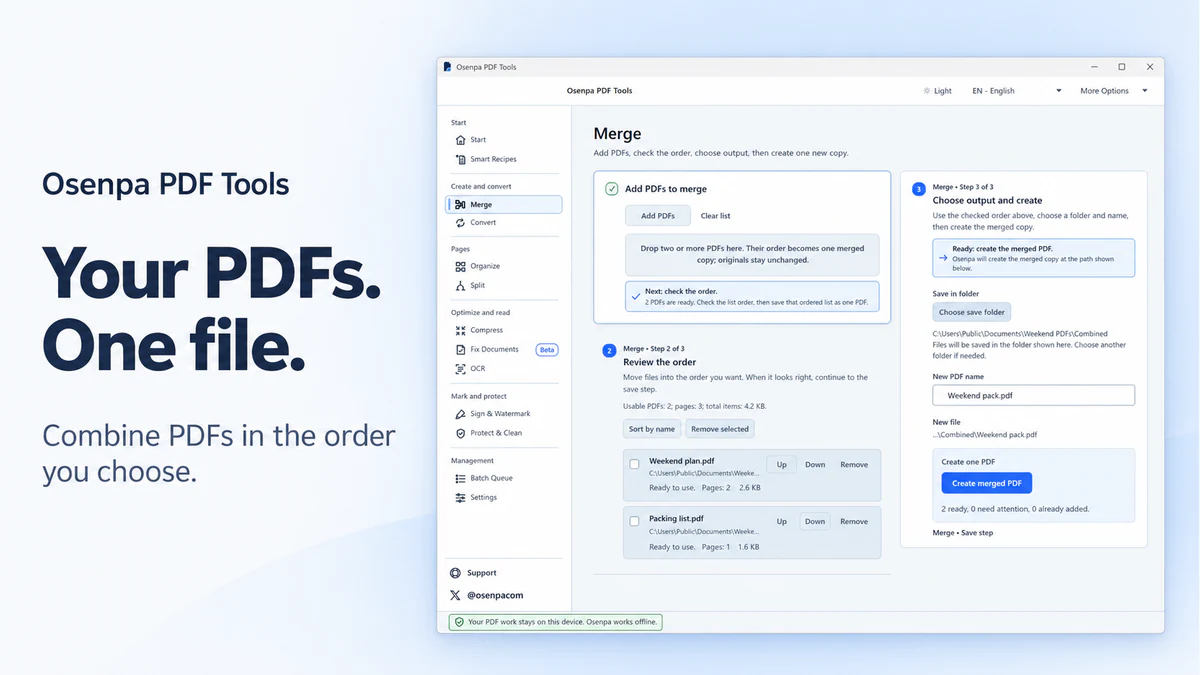
Correct photographed documents, merge, split, compress, convert, OCR, watermark, and protect PDFs on your PC.
Free. Current version: 1.0.5.
Product facts and requirements · Current product visual

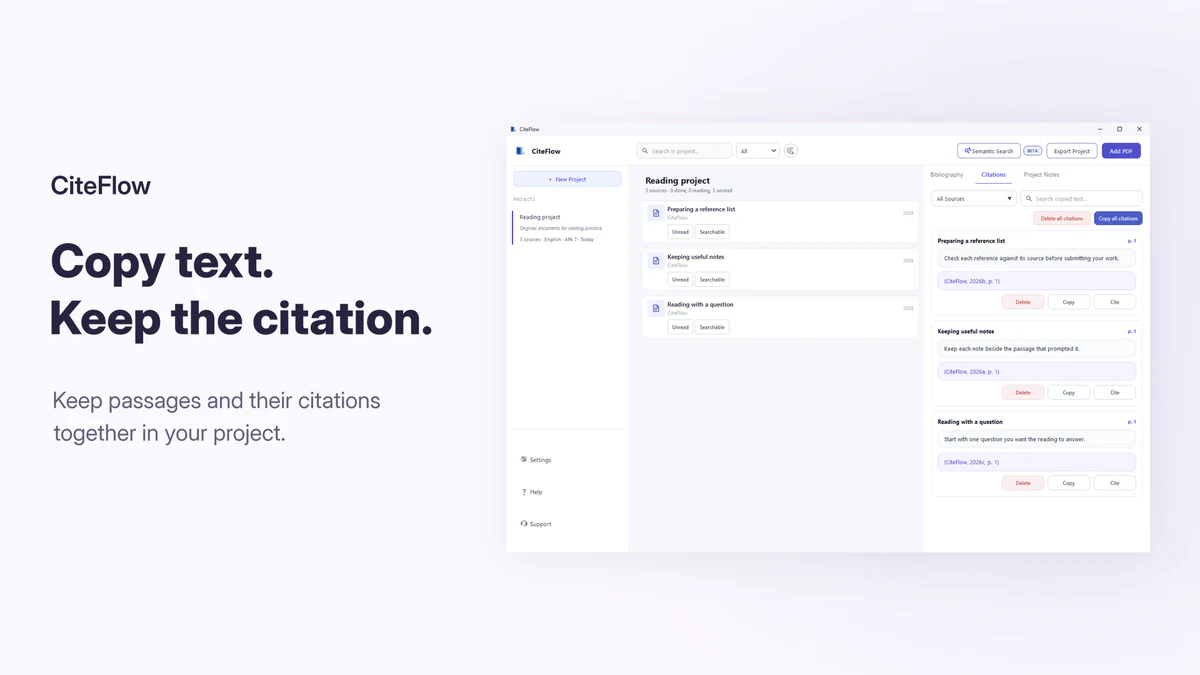
Read and compare research PDFs, keep notes linked to their source pages, search locally, and prepare citation drafts.
Free. Current version: 1.2.1.
Product facts and requirements · Current product visual

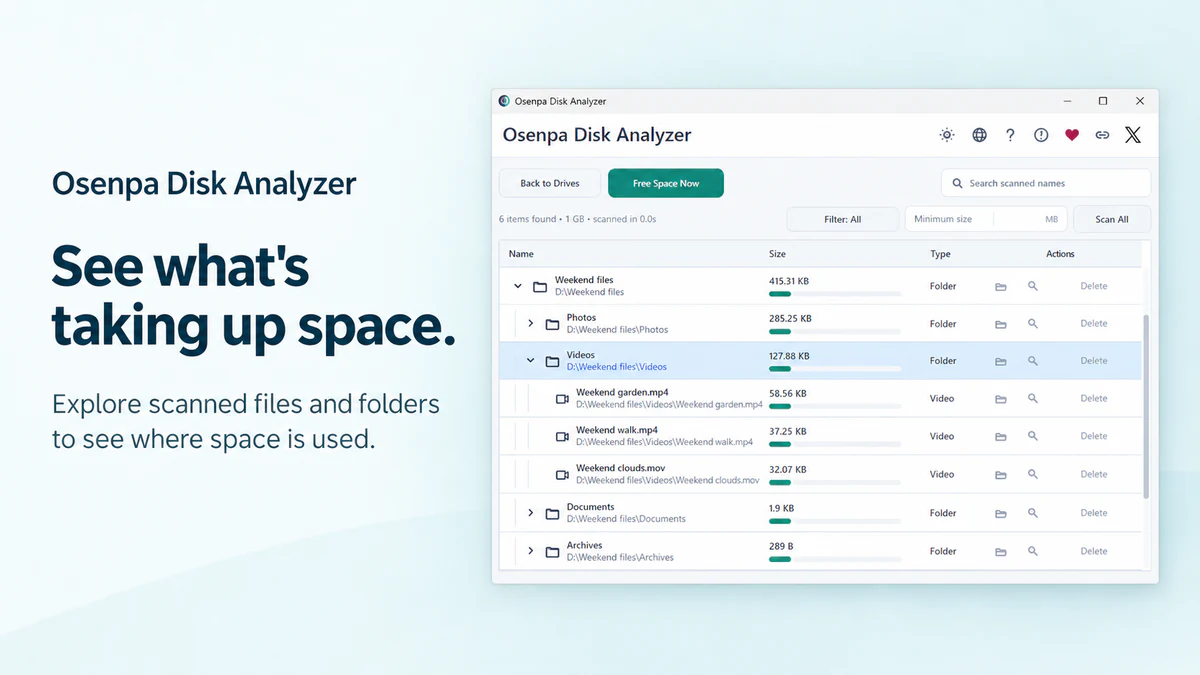
Scan local drives, find large files, and check what is using space before you move, uninstall, or delete anything.
Free. Current version: 1.1.2.
Microsoft Store release notes list version 1.1.2 (checked 2026-10-07).
Product facts and requirements · Current product visual
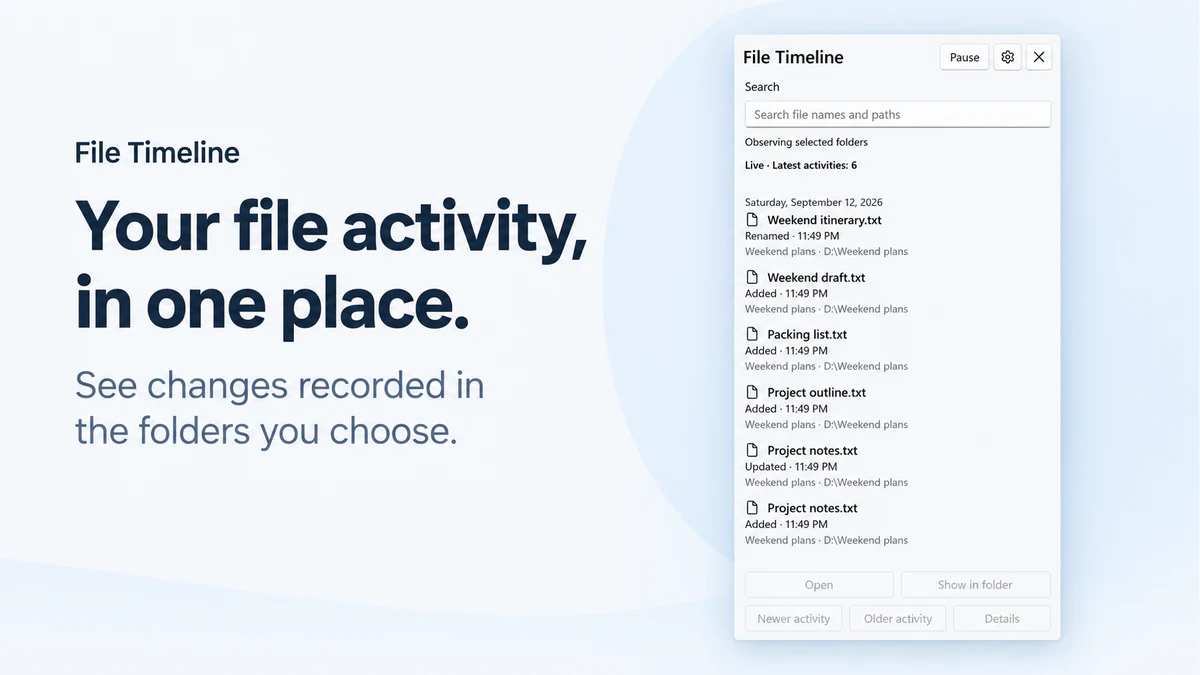
See observed activity in the folders you choose, then find a renamed or moved file from the notification-area icon near the Windows clock.
EUR 1.99 one-time Microsoft Store purchase. Current version: 1.0.0.
Product facts and requirements · Current product visual

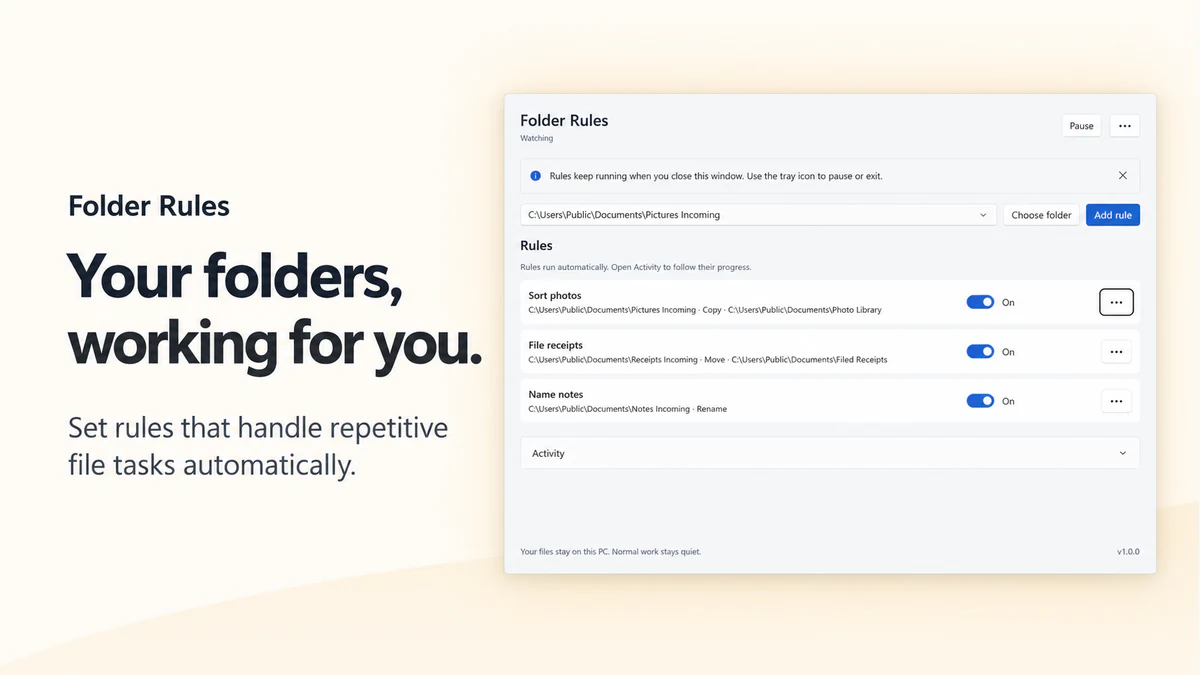
Give recurring file jobs a rule: choose what to match, check the action, and let Folder Rules handle matching items in supported folders.
EUR 2.99 one-time Microsoft Store purchase. Current version: 1.0.0.
Product facts and requirements · Current product visual

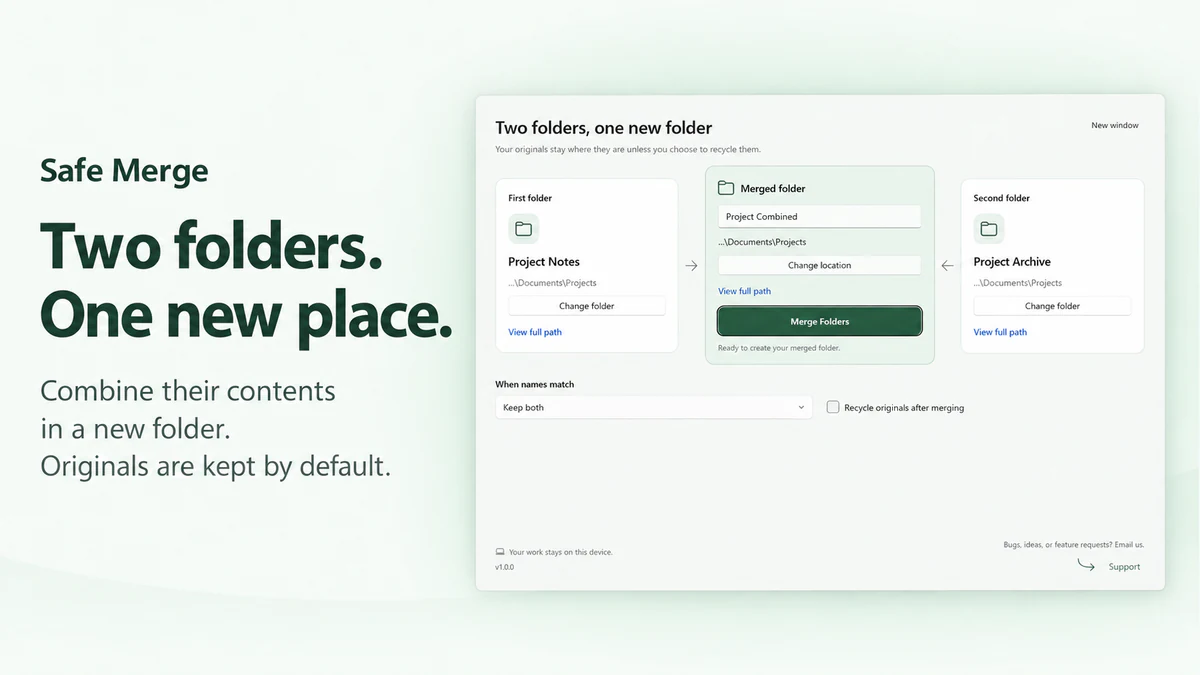
Combine two folders into a new folder. Keep both versions when names conflict, and keep the originals unless you explicitly choose to recycle them.
EUR 2.99 one-time Microsoft Store purchase. Current version: 1.0.0.
Product facts and requirements · Current product visual

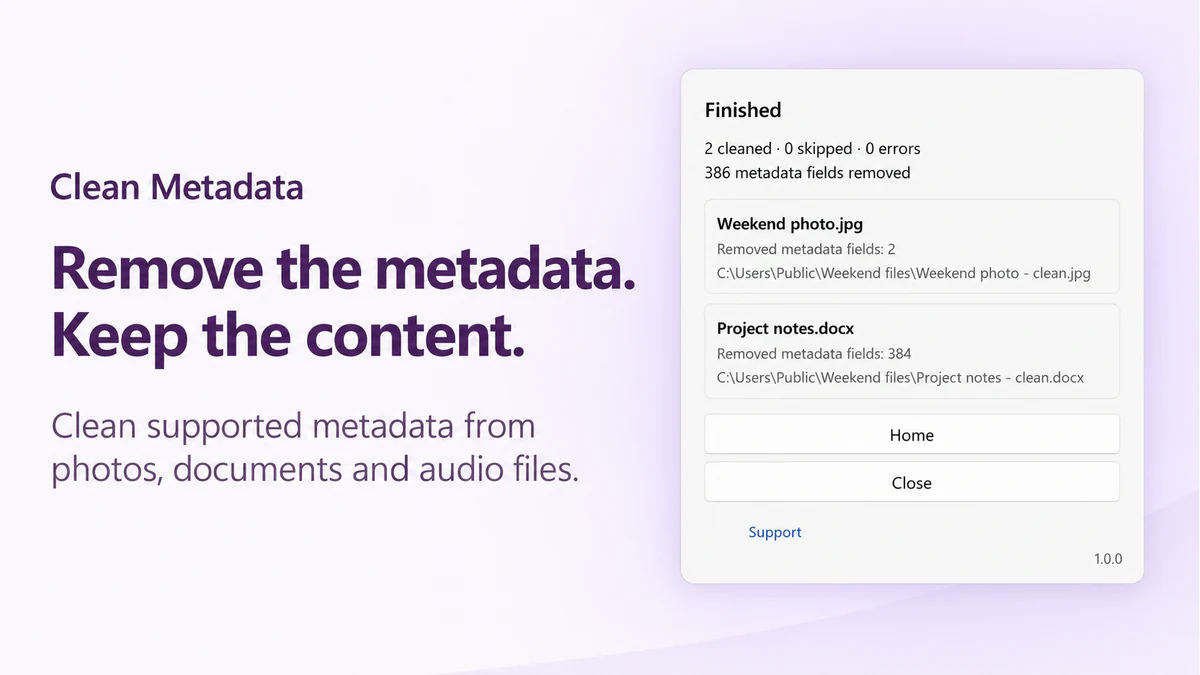
Remove supported metadata from photos, documents and audio files on your PC. Create a separate clean copy, then check the result before sharing.
EUR 1.99 one-time Microsoft Store purchase. Current version: 1.0.1.
Product facts and requirements · Current product visual

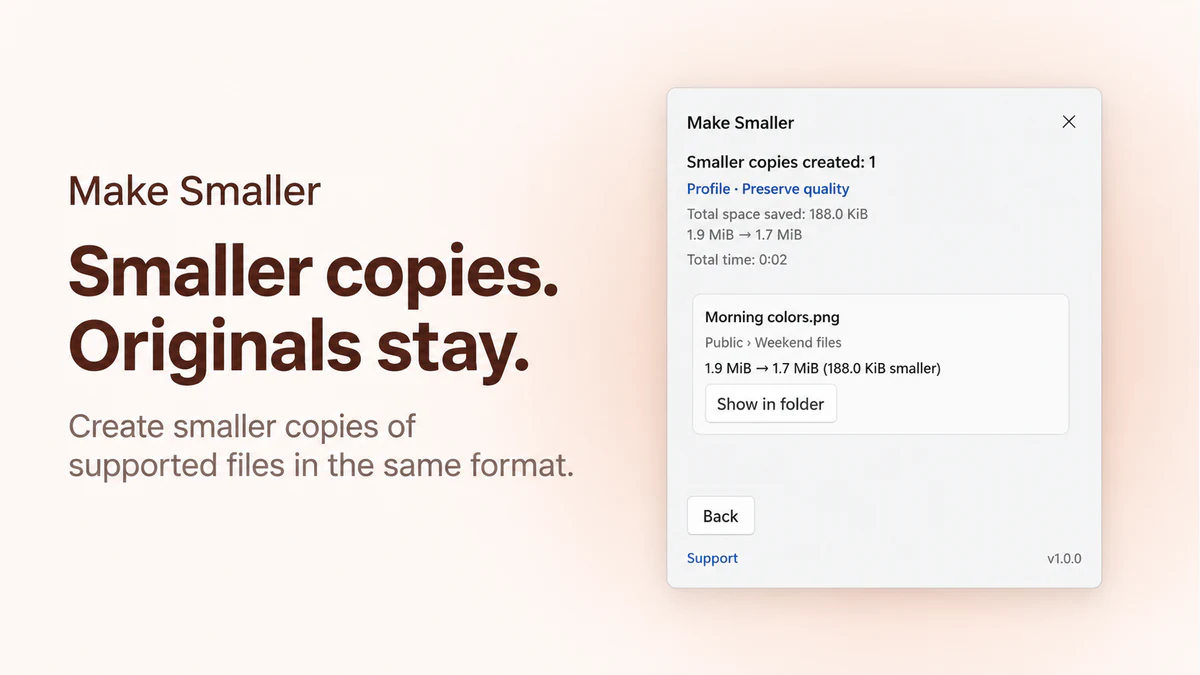
Create smaller copies of supported files in the same format. Choose a quality profile, check the result and keep your originals.
EUR 2.99 one-time Microsoft Store purchase. Current version: 1.0.0.
Product facts and requirements · Current product visual
Call designed images product visuals. Reserve screenshot for an unedited interface capture. Do not present artwork as proof that you independently tested a feature, and do not add unpublished ratings, user counts, certifications or performance claims.
Logo use does not imply a partnership or endorsement. Keep the product name and visual associated with the correct app. Source artwork remains unchanged; linked website renditions are resized for publication.
Download catalog (JSON) includes current channels and standalone file records. Software graph (JSON-LD) describes all 11 products. A checksum identifies the specified file, not its safety.