
File Timeline
See recent changes in your folders and find files by an earlier name.
€1.99 one-time purchase
Windows 11 24H2 or later · x64
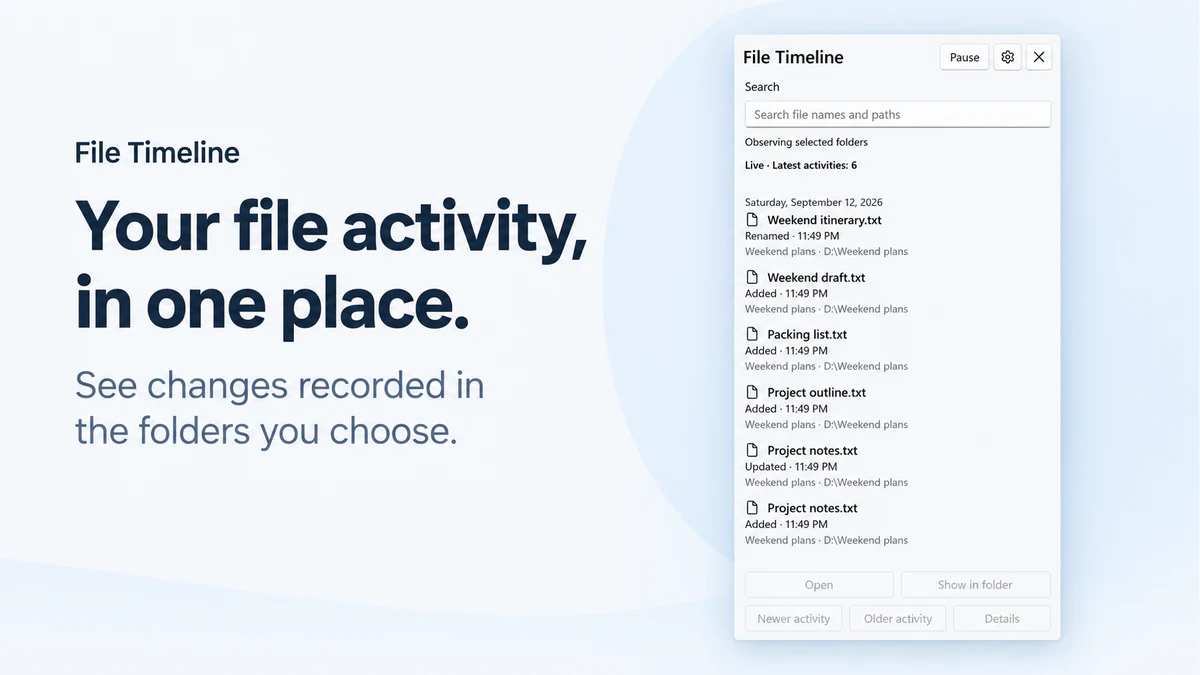
Follow selected folders
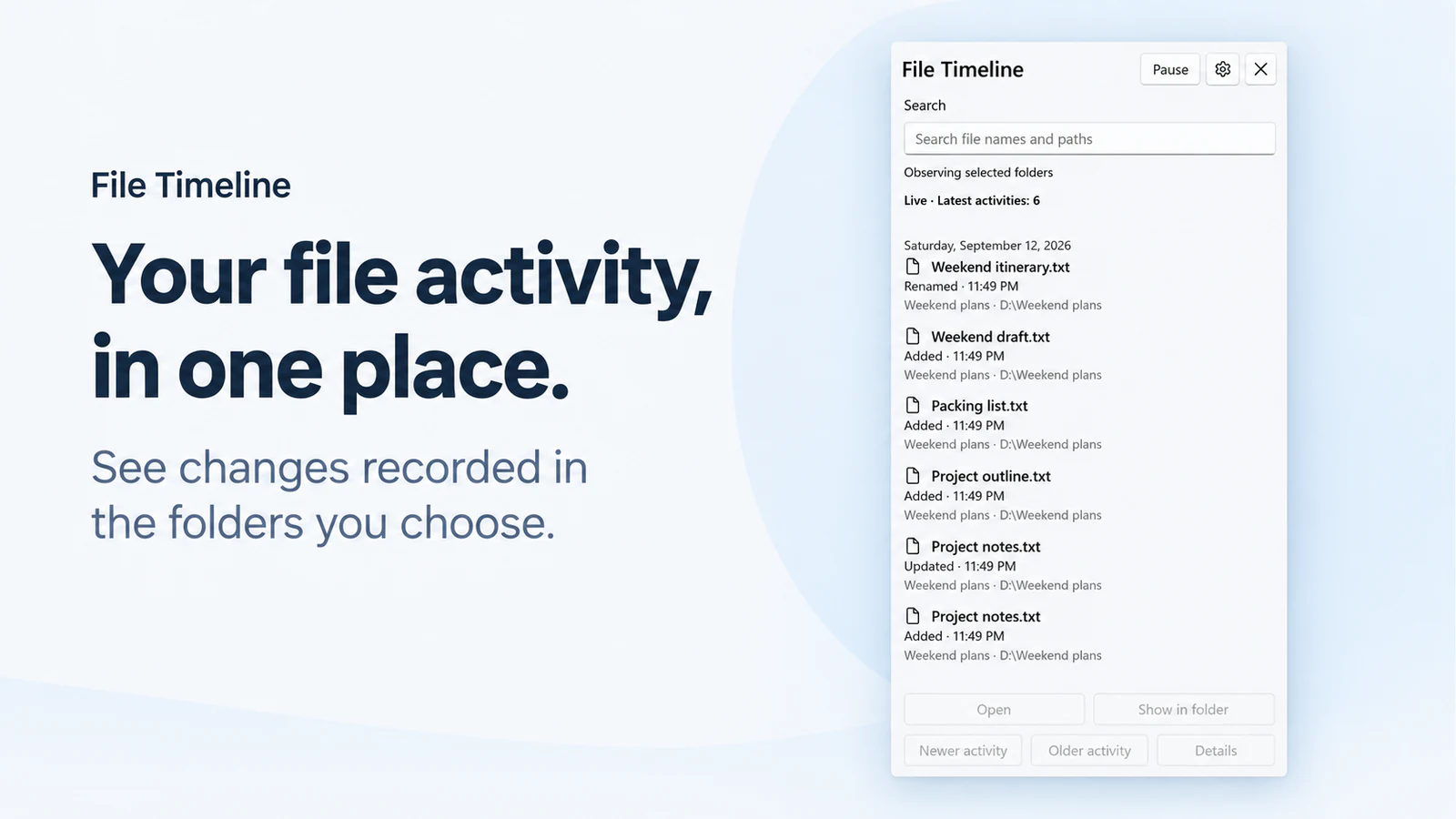
Choose the folders to observe. Added, Updated, Renamed, Moved and Removed events appear when the observer has the evidence for them.
Find an earlier name
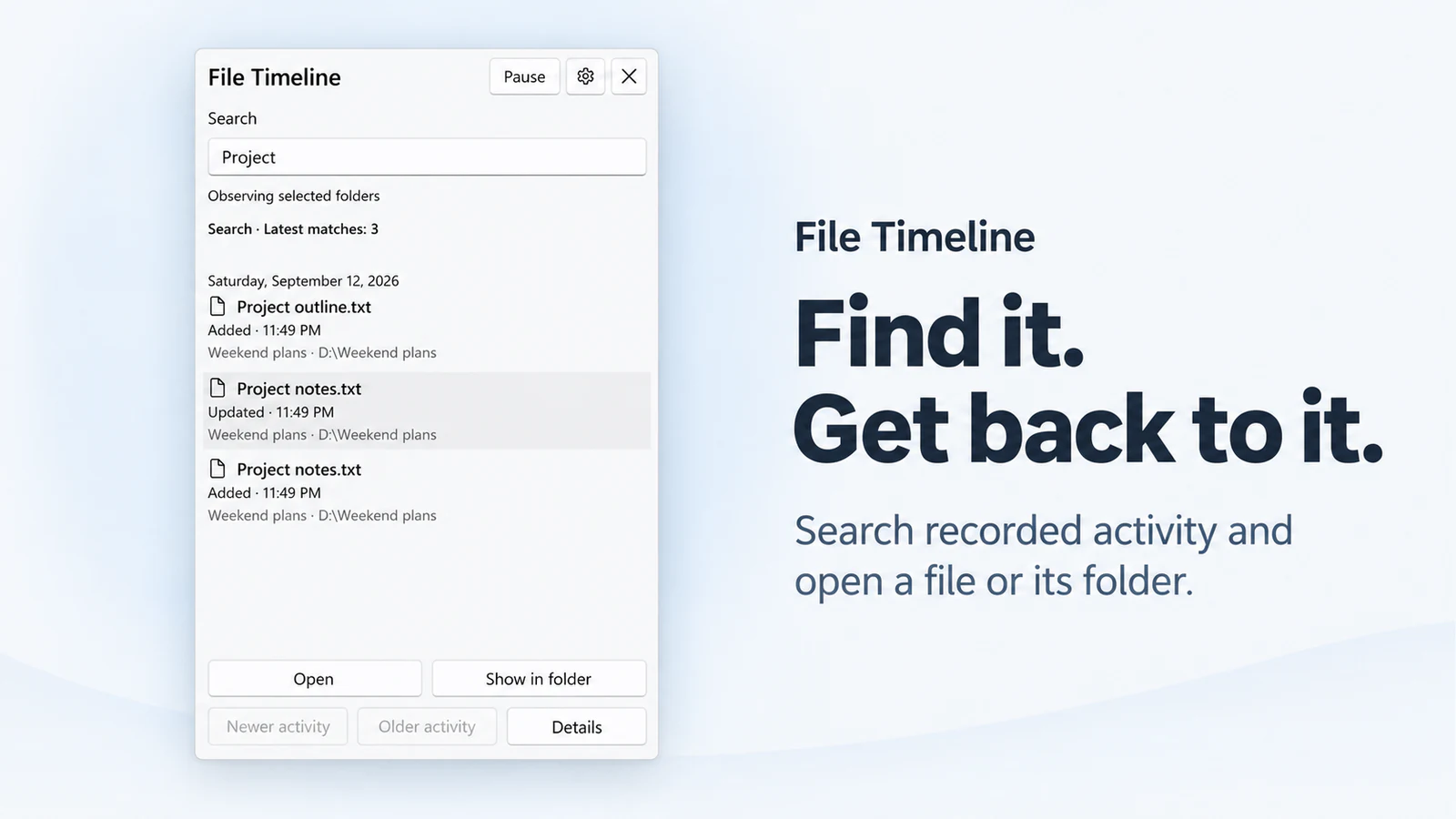
Search retained names and paths. Historical locations stay separate from the file's verified current location.
Keep the timeline close
Open the compact taskbar panel when you need it. Observation can continue when the panel is closed.
Before you choose
- Observation starts after setup. The app cannot reconstruct activity from before it was observing.
- The timeline stores file metadata, not file contents or recoverable backups.
- Only supported local NTFS locations can be observed. Gaps and unavailable locations are not evidence that nothing changed.
See File Timeline
 File Timeline
See recent changes in your folders and find files by an earlier name.
€1.99 one-time purchase Your Store region determines the final price.
Version 1.0.0
Get from Microsoft Store
There is no standalone EXE for this app.
Your first timeline
- Choose a supported folder and select Start observing. Review Include subfolders in Preferences after setup.
- Make a harmless change to a sample file in that folder.
- Open the taskbar panel and find the event. Use Open or Show in folder only when its current location is available.
More about File Timeline
Features and working limits
- Follow selected folders: Choose the folders to observe. Added, Updated, Renamed, Moved and Removed events appear when the observer has the evidence for them.
- Find an earlier name: Search retained names and paths. Historical locations stay separate from the file's verified current location.
- Keep the timeline close: Open the compact taskbar panel when you need it. Observation can continue when the panel is closed.
- Observation starts after setup. The app cannot reconstruct activity from before it was observing.
- The timeline stores file metadata, not file contents or recoverable backups.
- Only supported local NTFS locations can be observed. Gaps and unavailable locations are not evidence that nothing changed.
Local data and network use
- Observed names, paths and activity records are stored locally.
- The observer does not read file contents, create thumbnails or copy your documents.
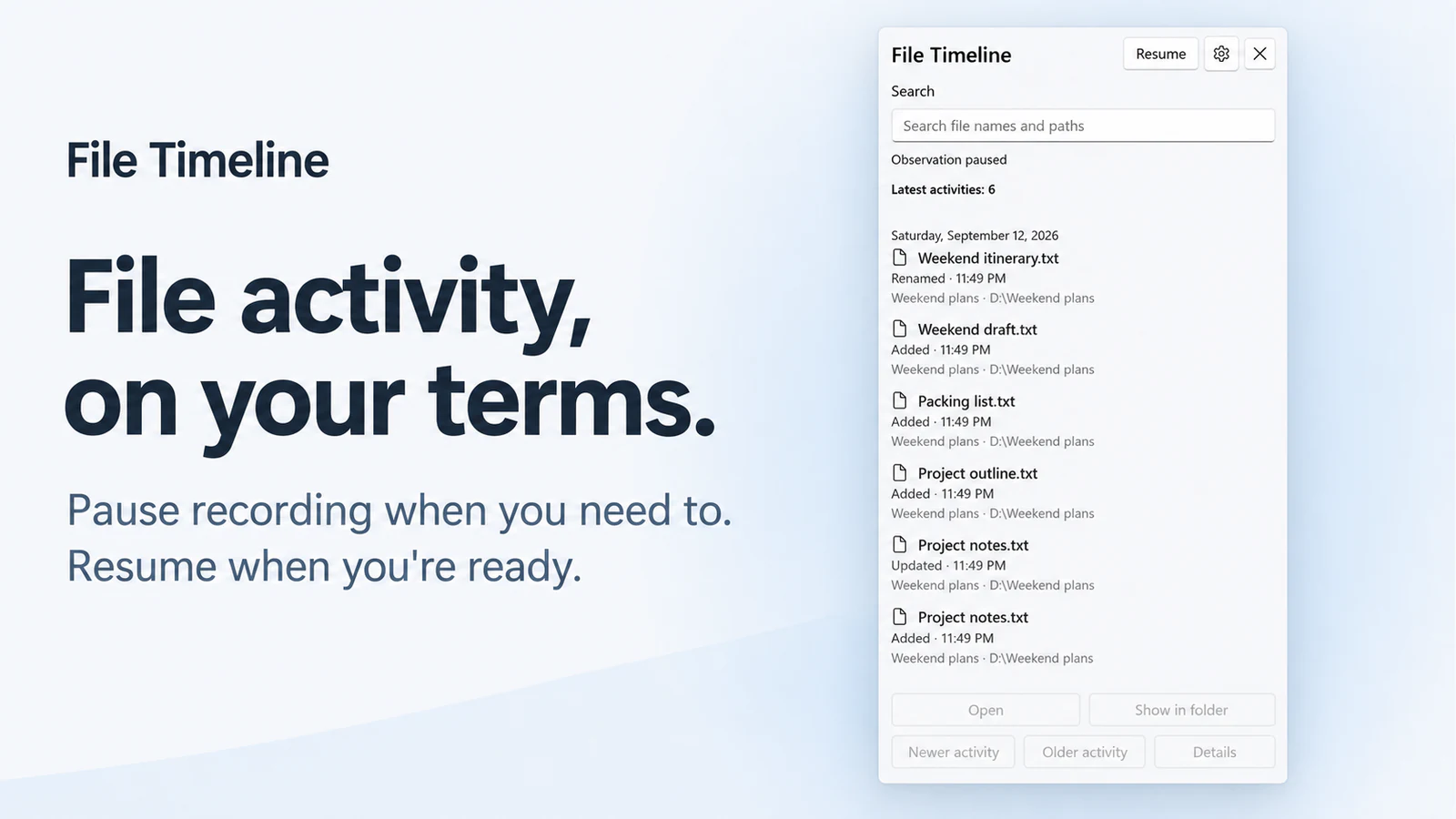
- Pause stops observation. Closing the panel is different from exiting the application.
- History retention is adjustable from four hours to 90 days; the default is 30 days. Clearing history does not delete the observed files.
- Microsoft Store services check the app license and discover or deliver updates.
- Opening Support or the Store page opens an external service; the local file timeline is not uploaded as part of observation.
System requirements
Windows 11 version 24H2 (build 26100) or later; x64; supported local NTFS folders.